On this page
Shapes
Overview
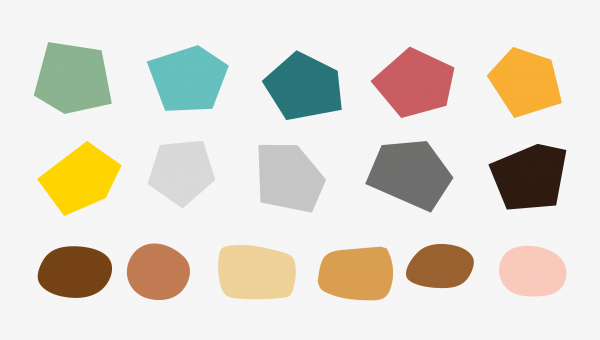
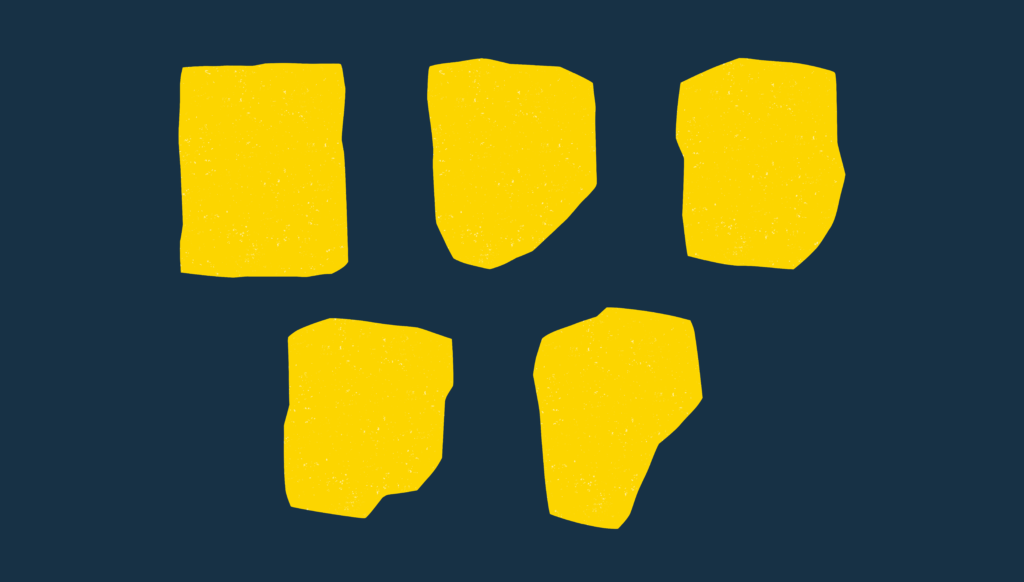
We have a collection of simple shapes designed to complement our logo’s blend of sharp and organic edges.
These flexible shapes can be used:
- To hold text
- To frame photography
- As a background element.
Our shapes always include texture.
Download our graphical elements for use on print and digital projects
Shape Colours
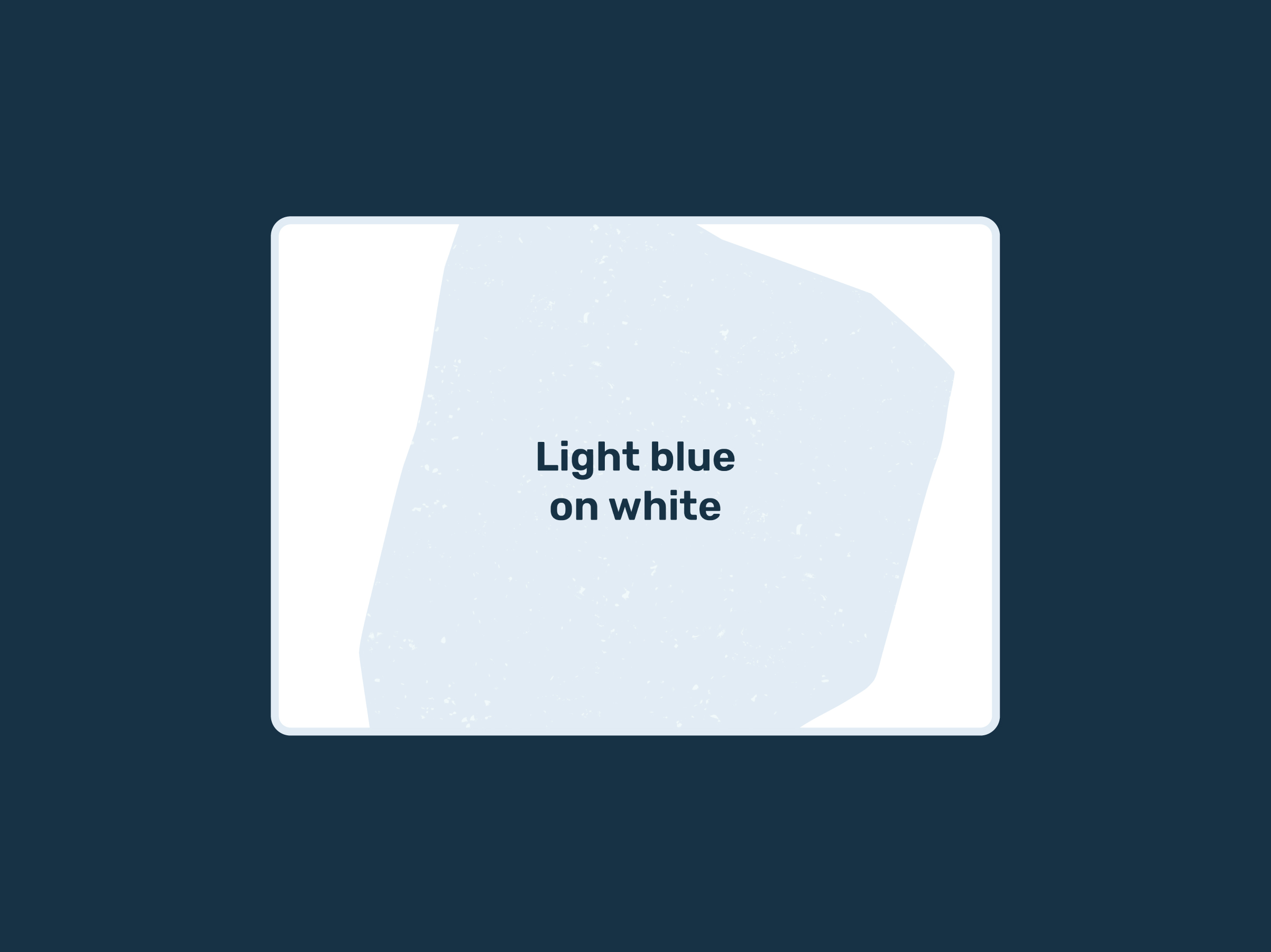
Light blue on white
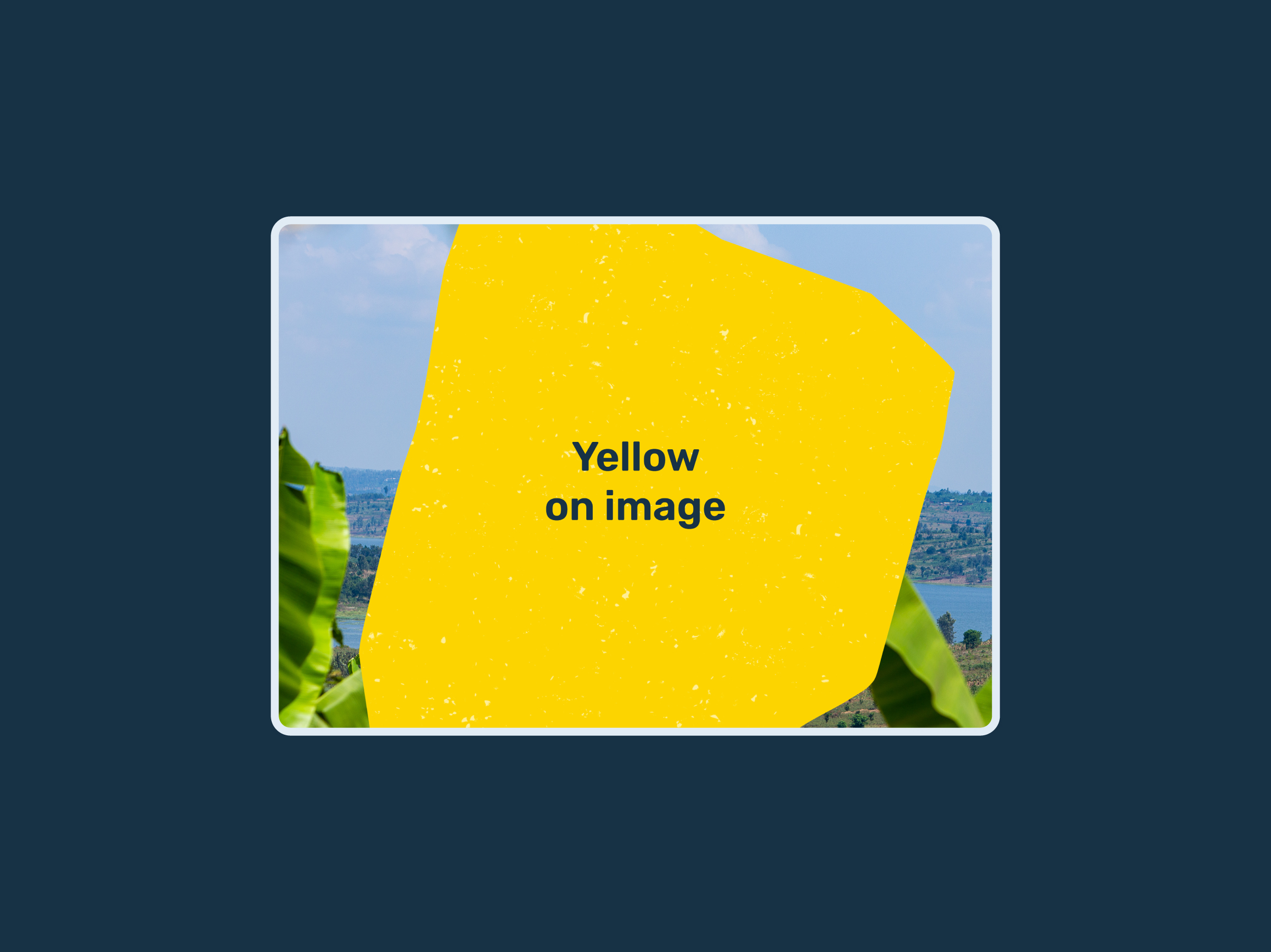
Yellow on image
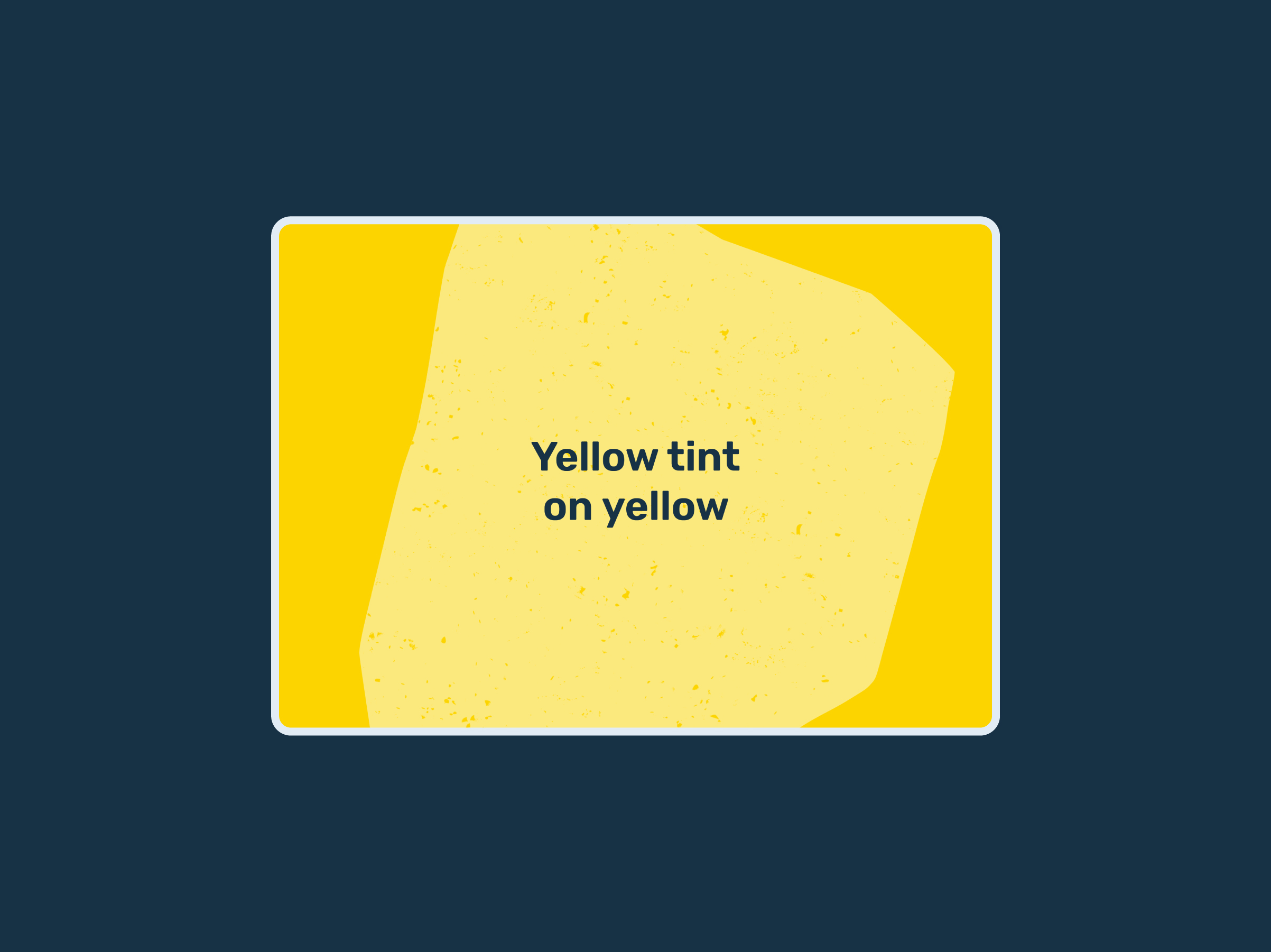
Yellow tint on yellow
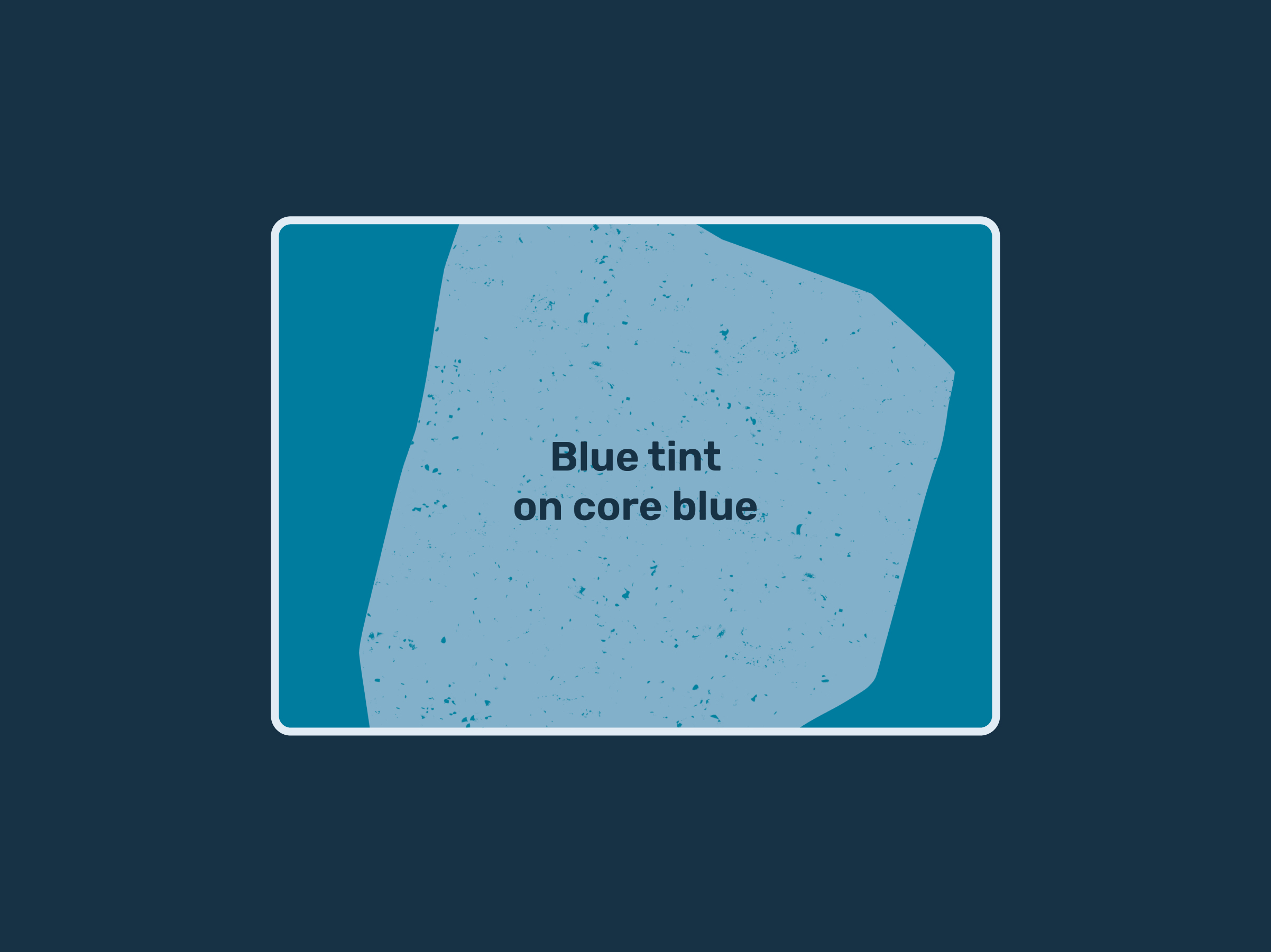
Blue tint on core blue
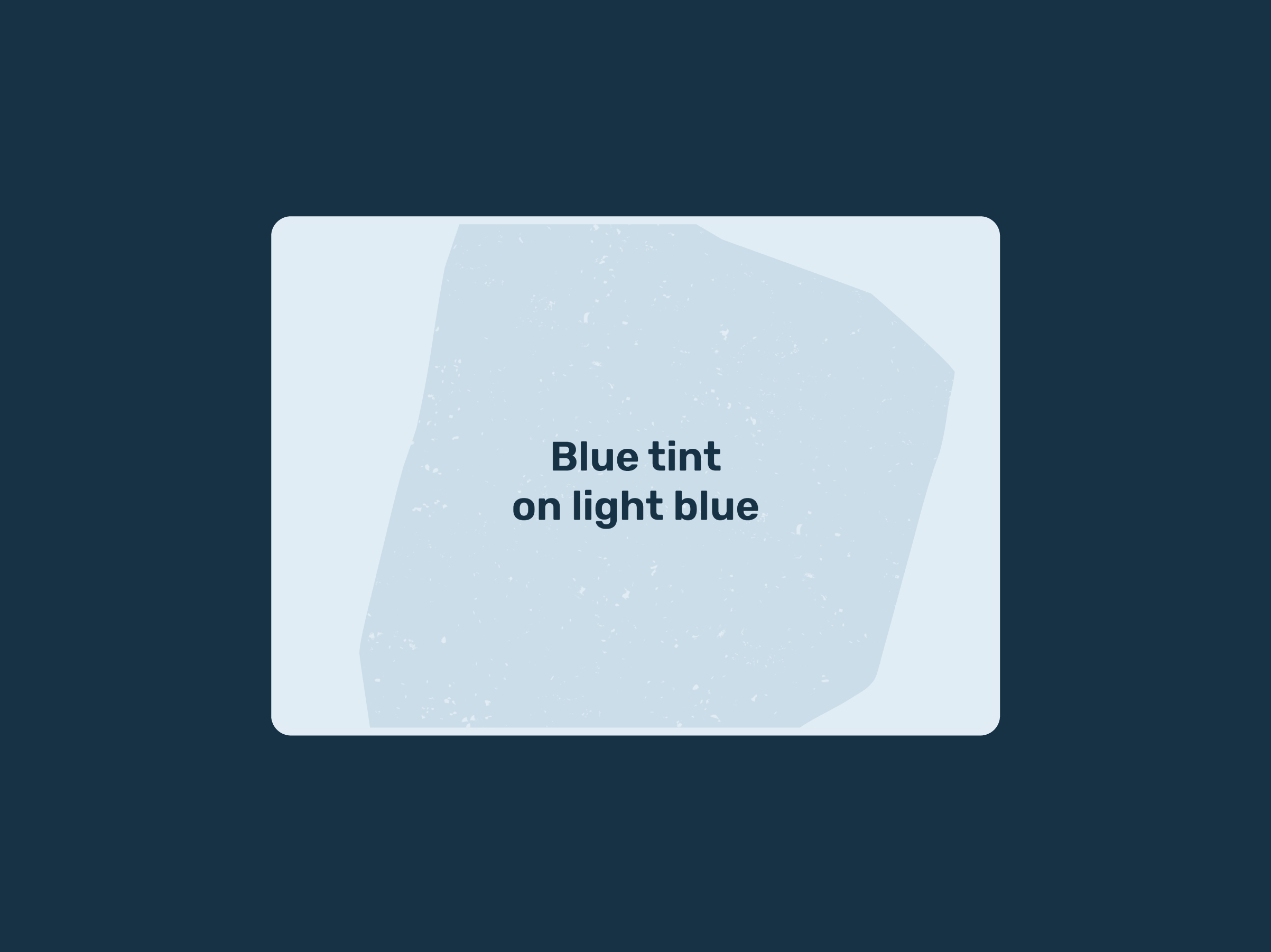
Blue tint on light blue
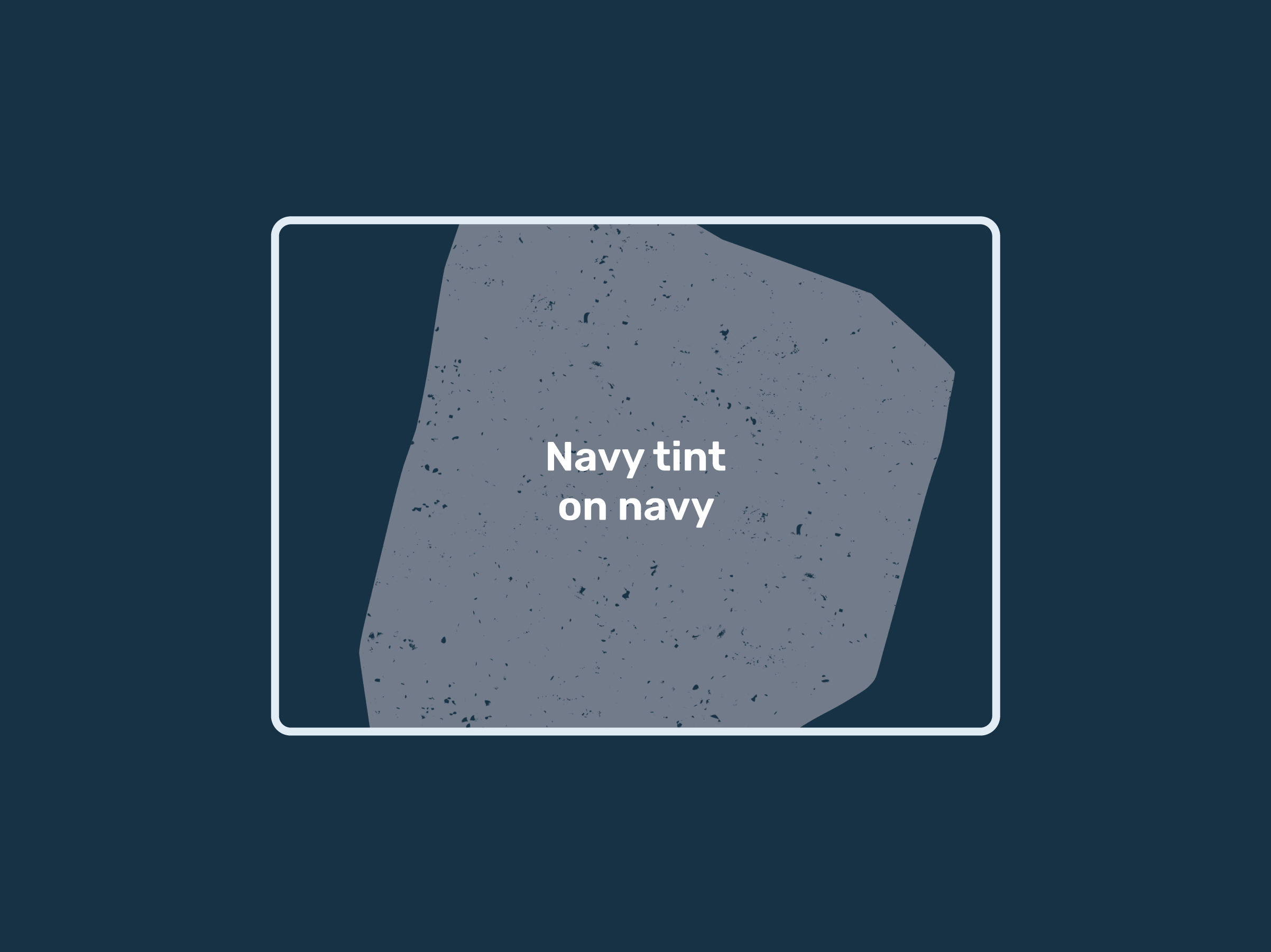
Navy tint on navy
Shape layout
Size
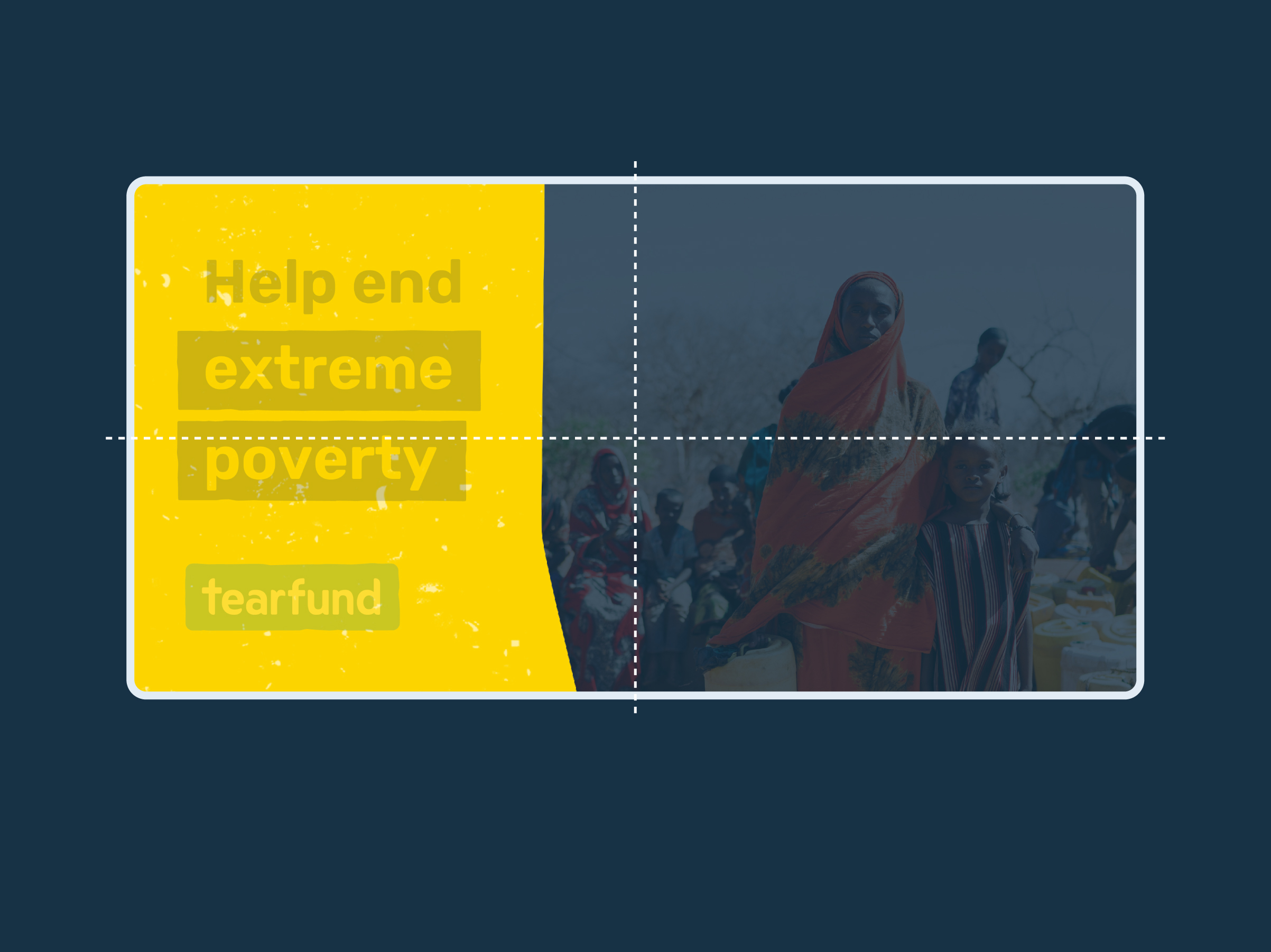
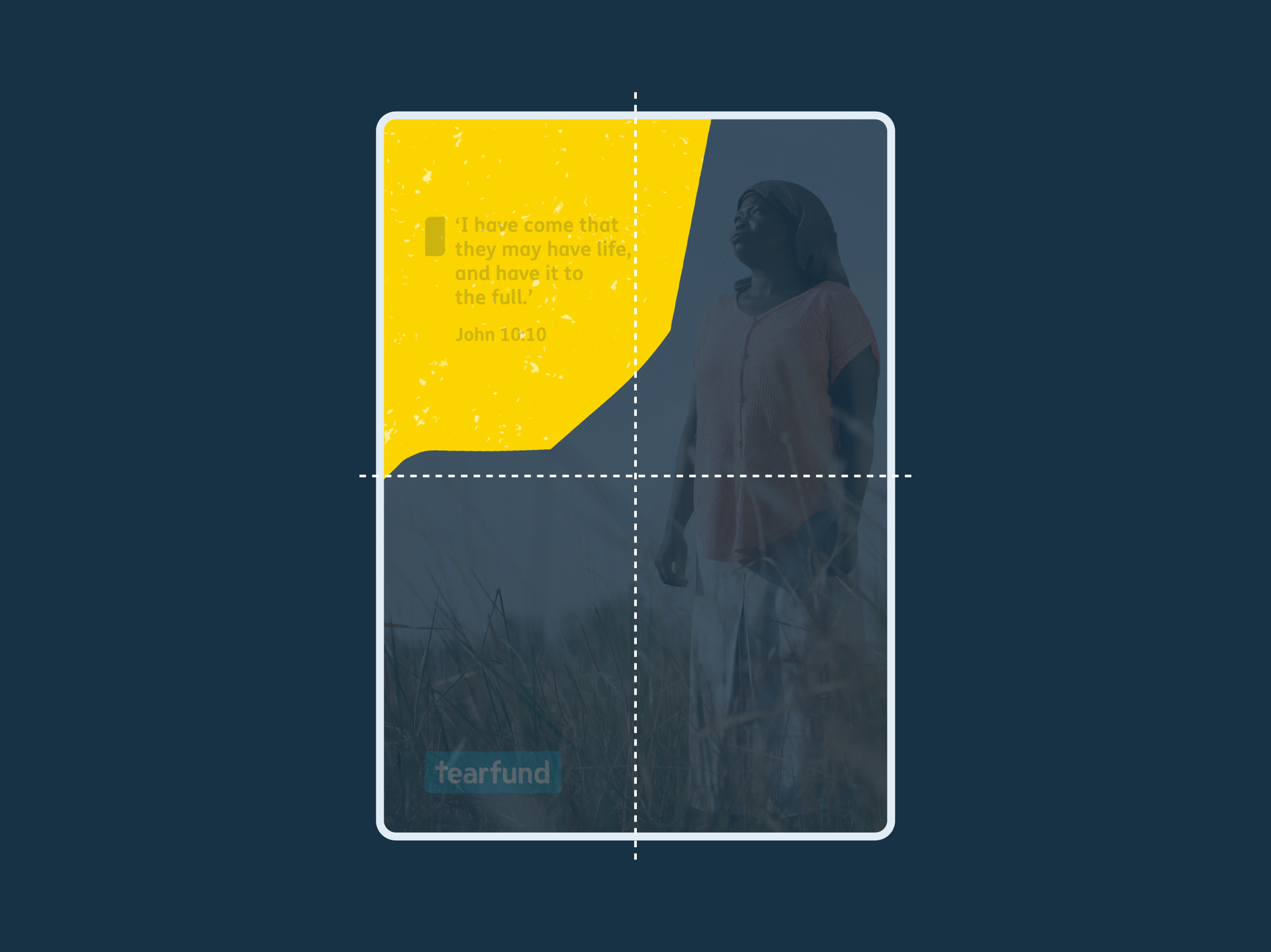
The shapes should always extend off the page in multiple places and take up at least (roughly) 1/4 of the space.
This is an example of what this might look like on a billboard.

Size
The shapes should always extend off the page in multiple places and take up at least (roughly) 1/4 of the space.
This is an example of what this might look like on a billboard.
Size
The shapes should always extend off the page in multiple places and take up at least (roughly) 1/4 of the space.
This is an example of what this might look like on a A4 print.

Size
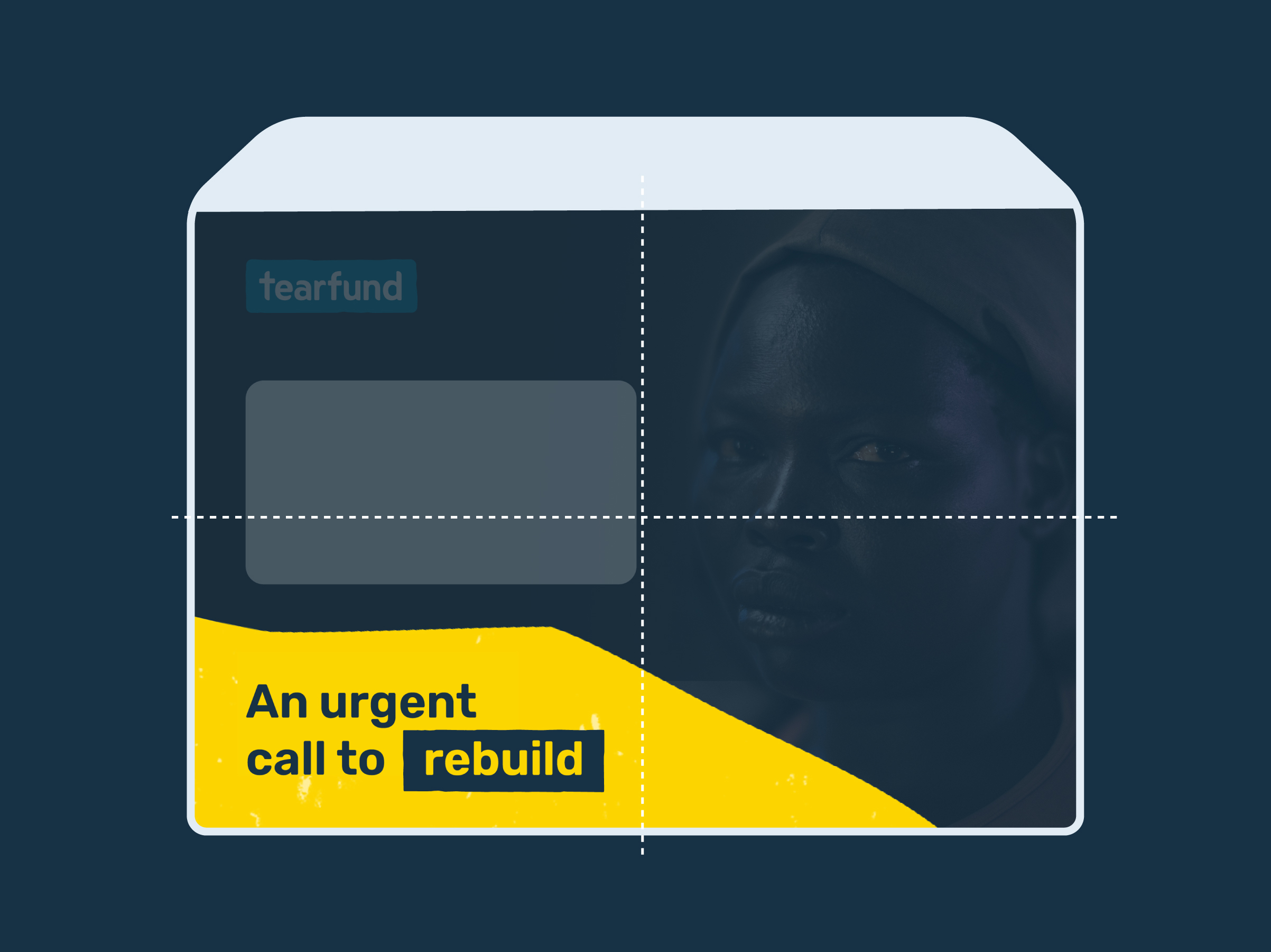
The shapes should always extend off the page in multiple places and take up at least (roughly) 1/4 of the space.
This is an example of what this might look like on a A4 print.
Size
The shapes should always extend off the page in multiple places and take up at least (roughly) 1/4 of the space.
This is an example of what this might look like on a envelope.

Size
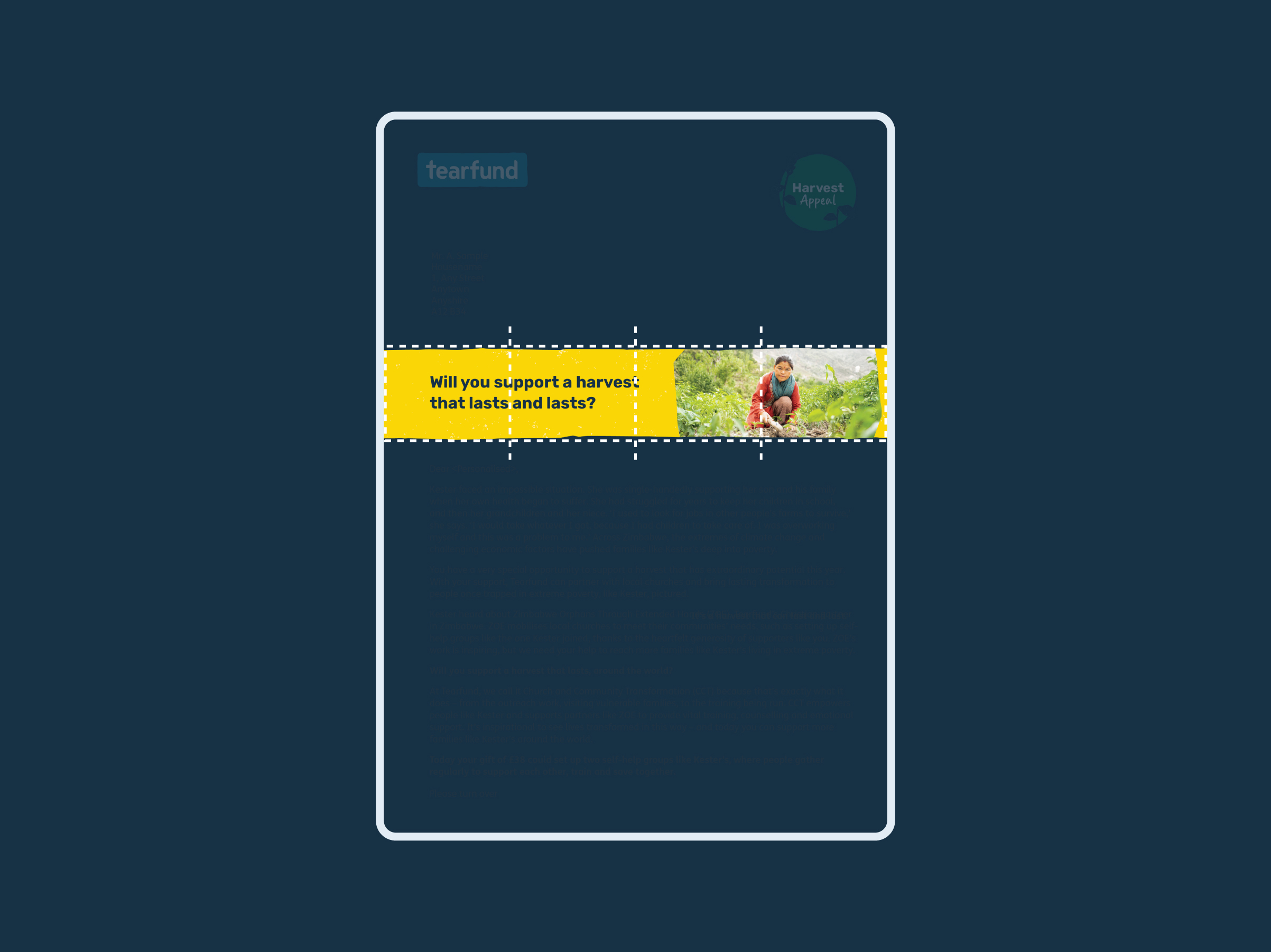
The shapes should always extend off the page in multiple places and take up at least (roughly) 1/4 of the space.
This is an example of what this might look like on a envelope.
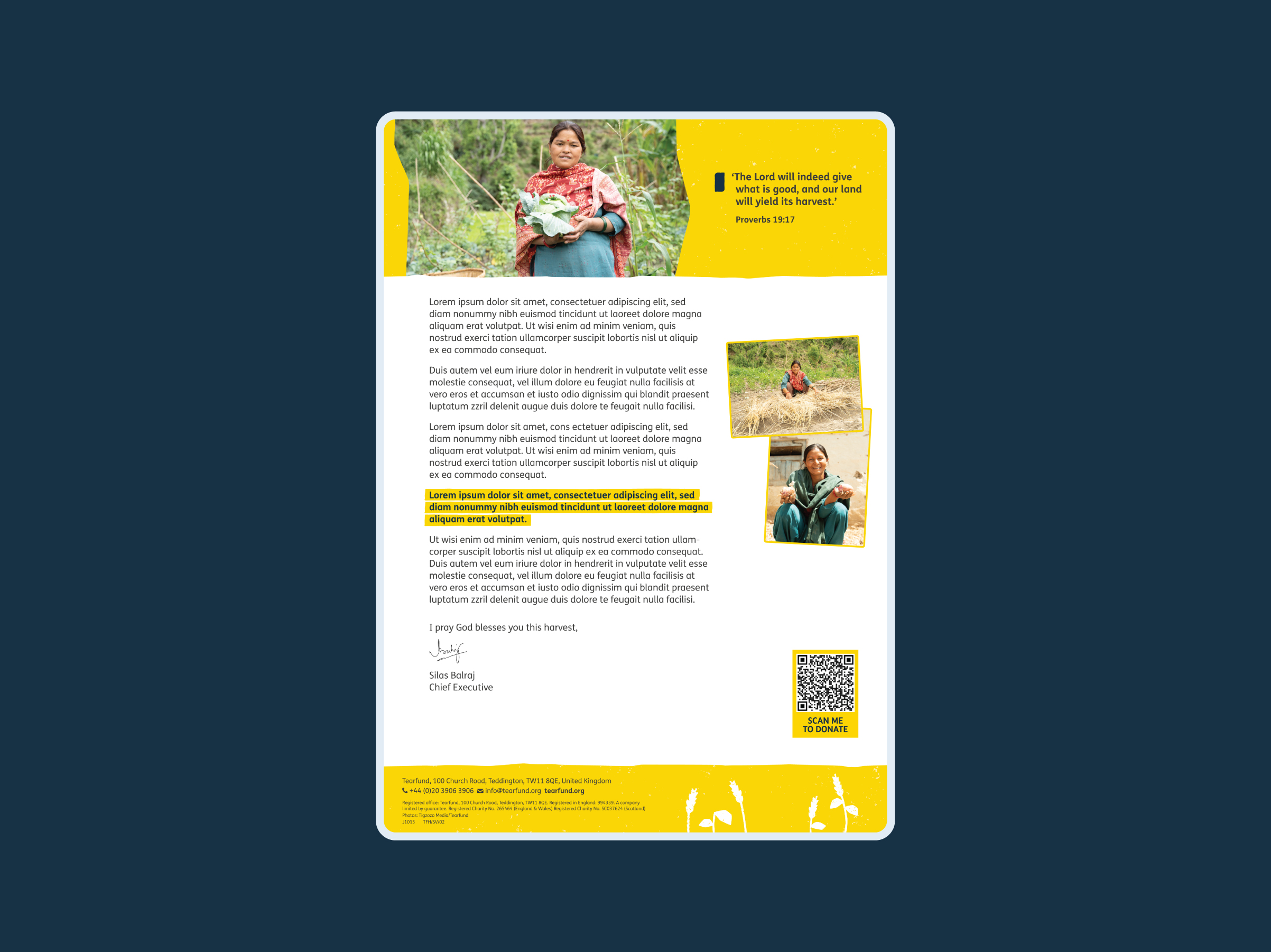
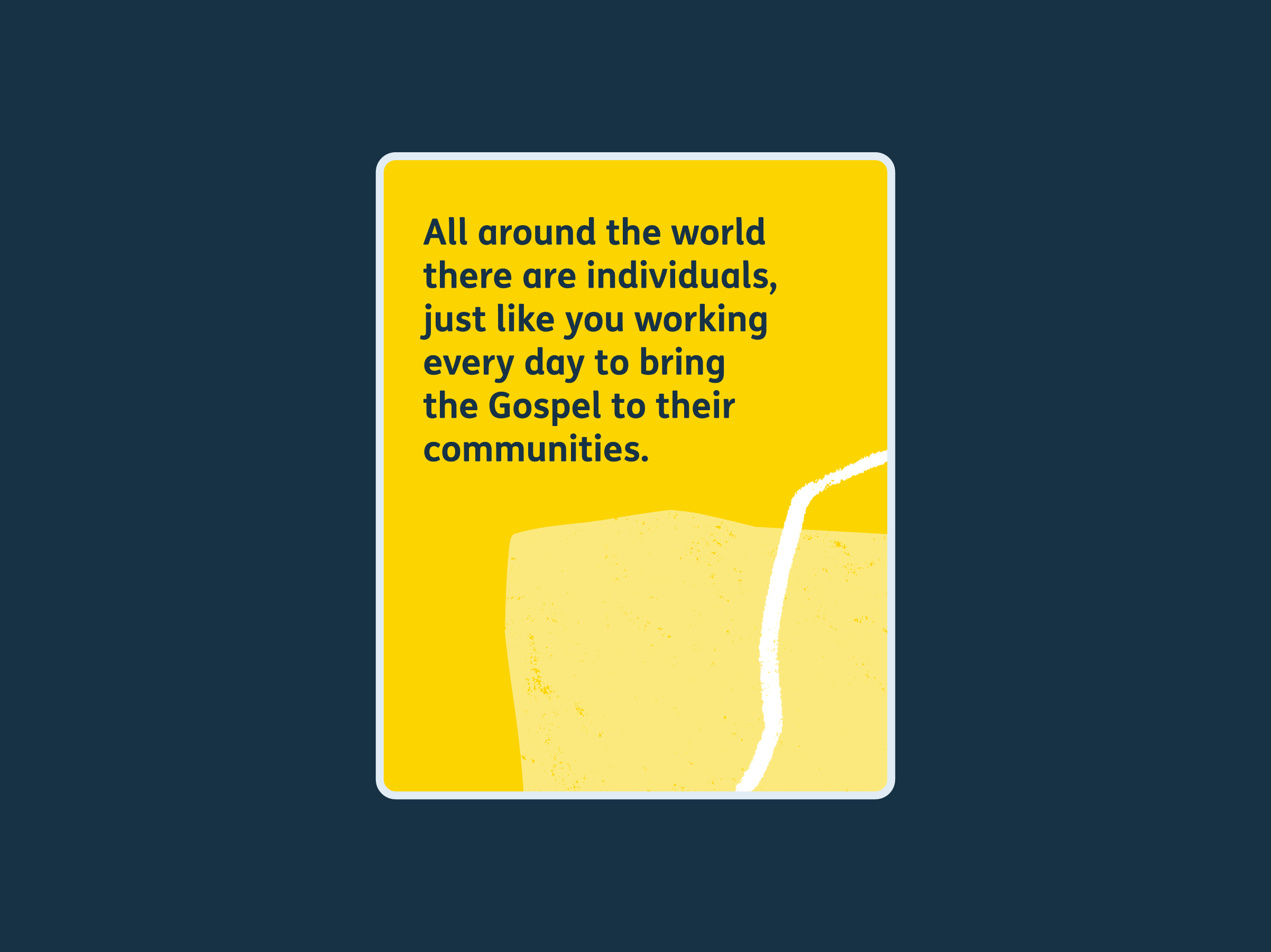
Shapes within a container
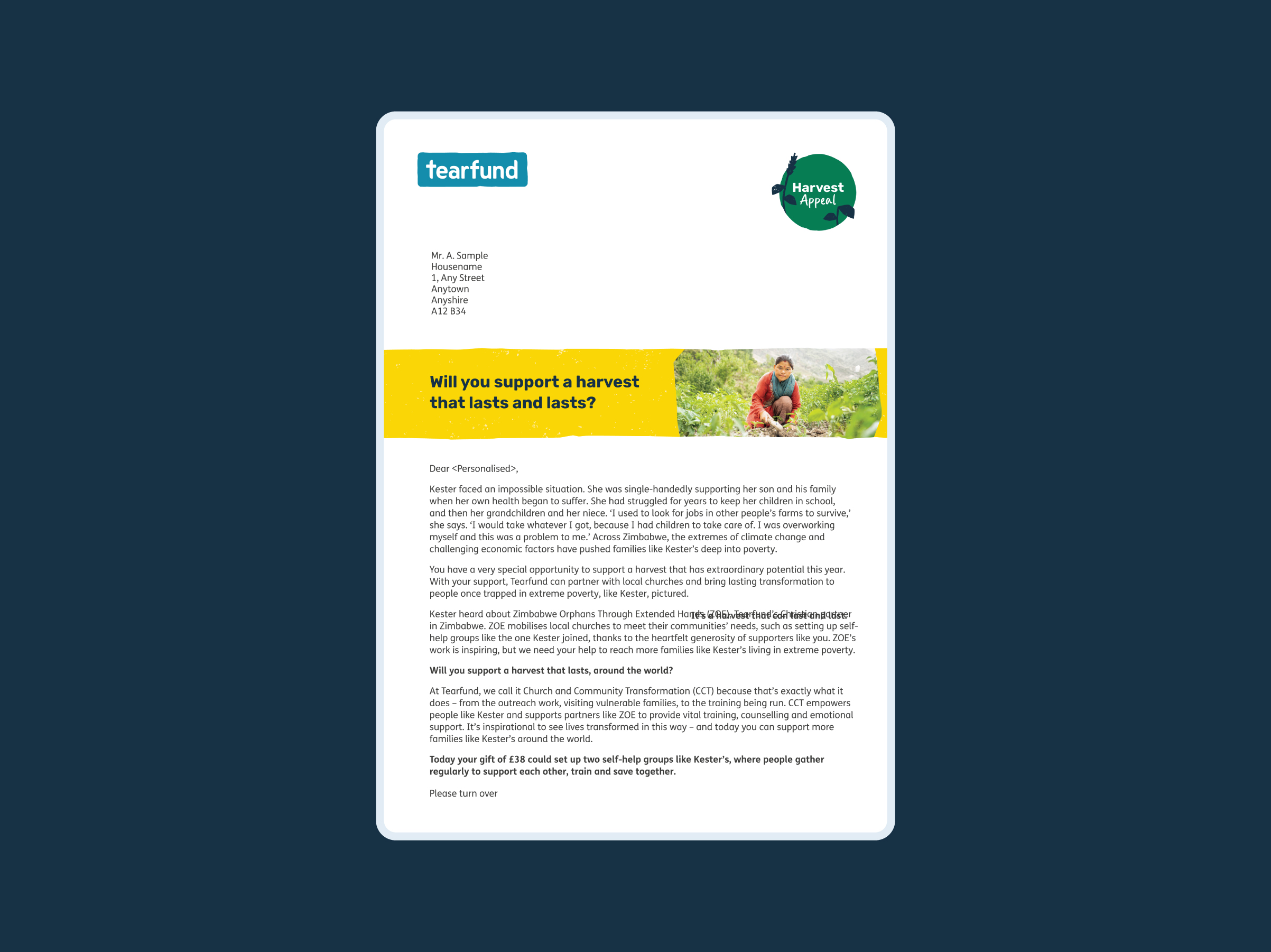
Shapes within a container should take up at least 1/4 of the container. Containers add visual interest, especially between big chunks of copy in longer forms of communication.
You might use a container to hold a heading in a Direct Mail letter.
Shapes within a container
Shapes within a container should take up at least 1/4 of the container. Containers add visual interest, especially between big chunks of copy in longer forms of communication.
You might use a container to hold a heading in a Direct Mail letter.
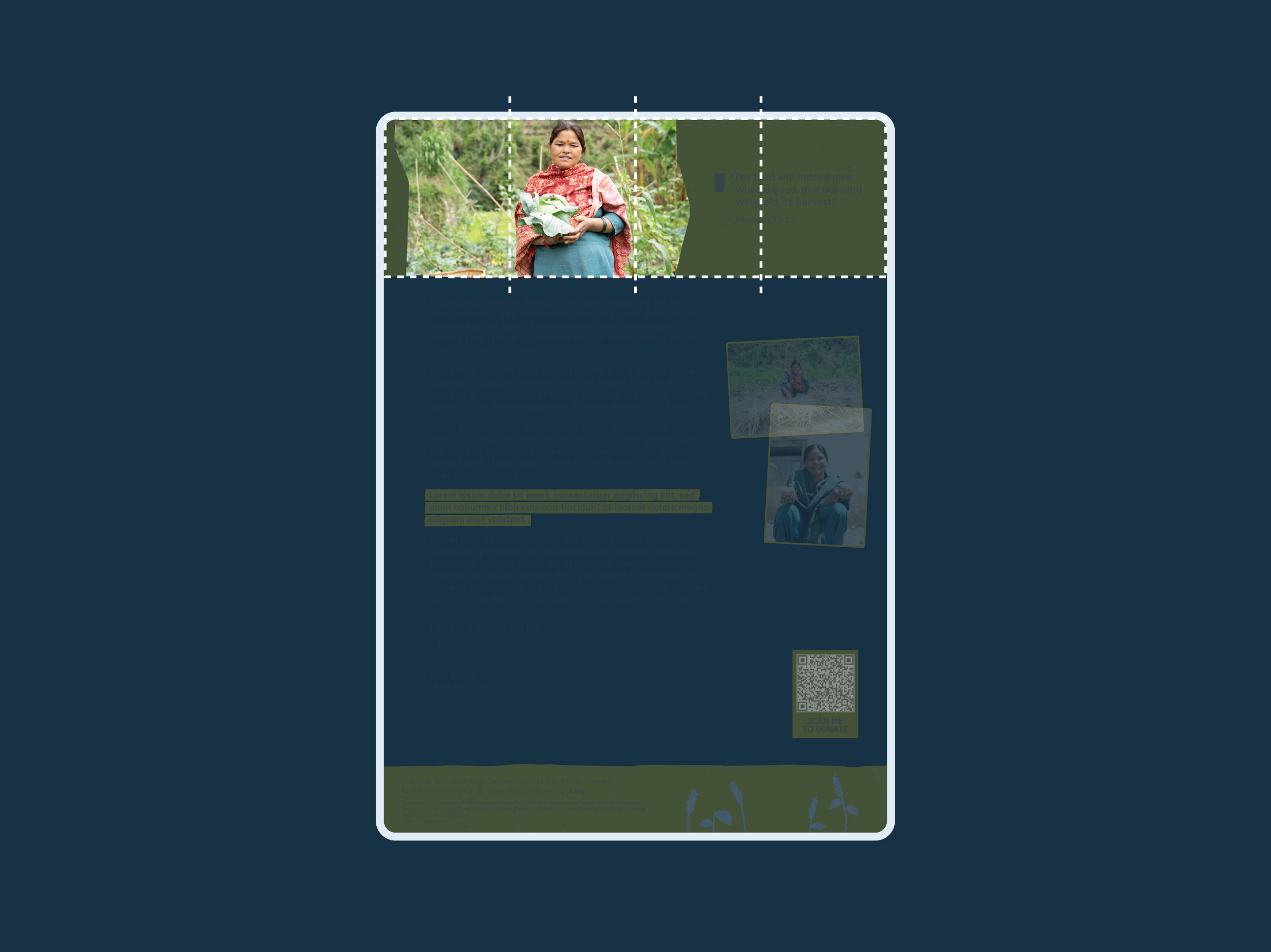
Shapes within a container
Shapes within a container should take up at least 1/4 of the container. Containers add visual interest, especially between big chunks of copy in longer forms of communication.
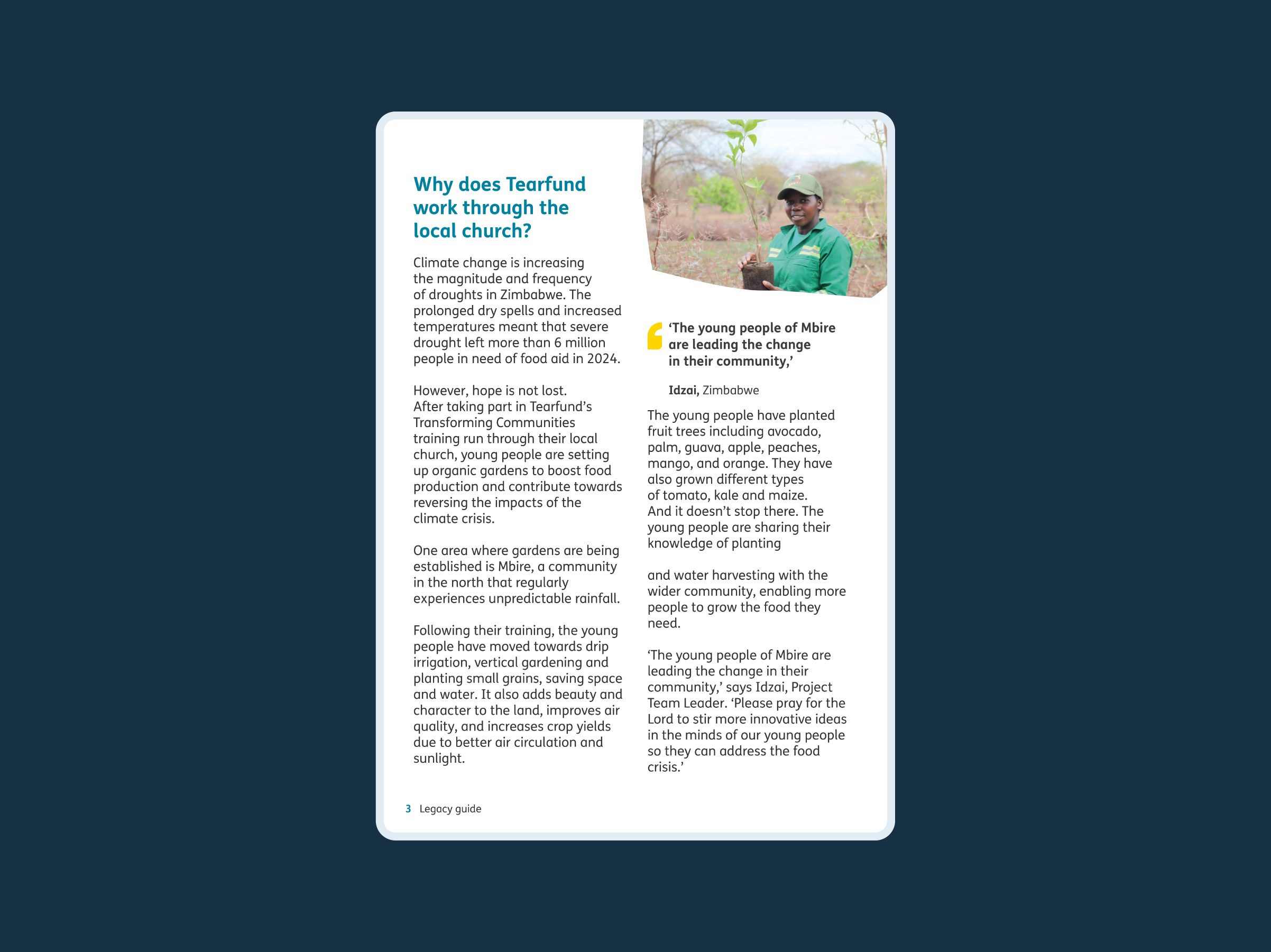
You might use a container to contain an image an participant’s quote.
Shapes within a container
Shapes within a container should take up at least 1/4 of the container. Containers add visual interest, especially between big chunks of copy in longer forms of communication.
You might use a container to contain an image an participant’s quote.

Shapes holding images
Our shapes can also hold images, giving us greater flexibility across our products.
This is an example of full bleed images.
Shapes holding images
Our shapes can also hold images, giving us greater flexibility across our products.
This is an example of in-page images.
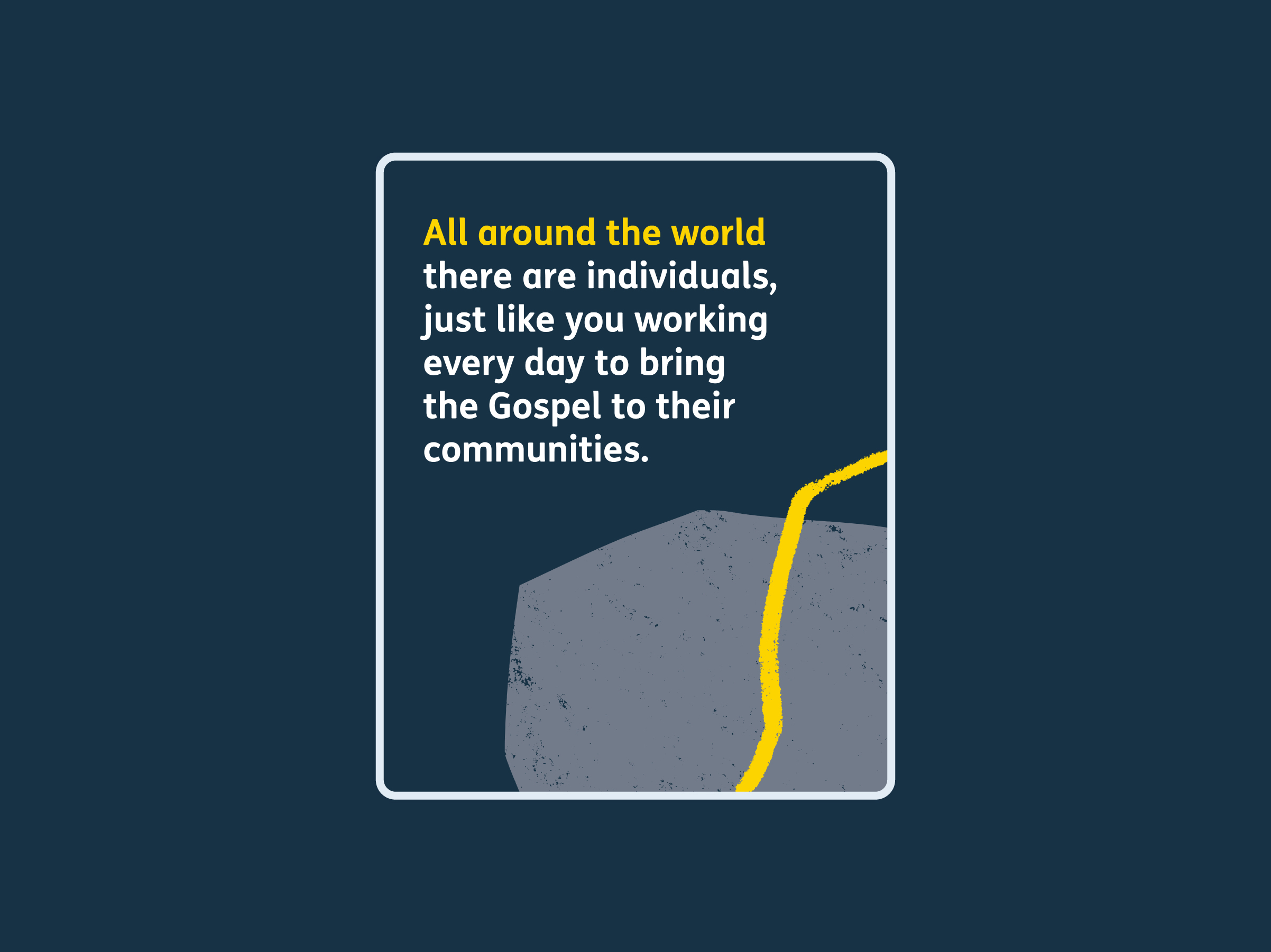
Shapes as background elements
Our shapes can also be used as background elements to draw attention to an image that sits on top, or to a quote.
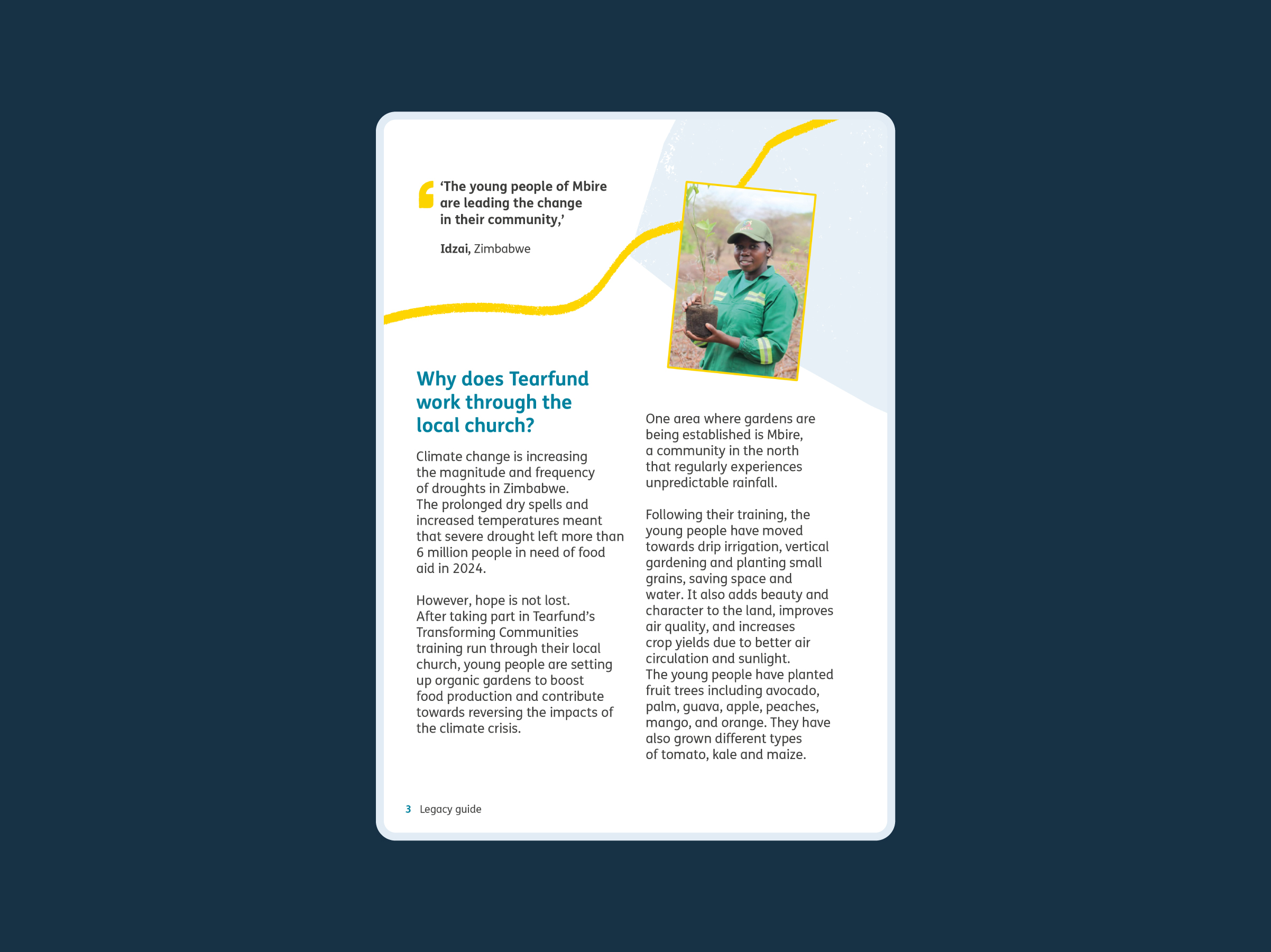
Shapes as background elements
Our shapes can also be used as background elements to draw attention to an image that sits on top, or to a quote.
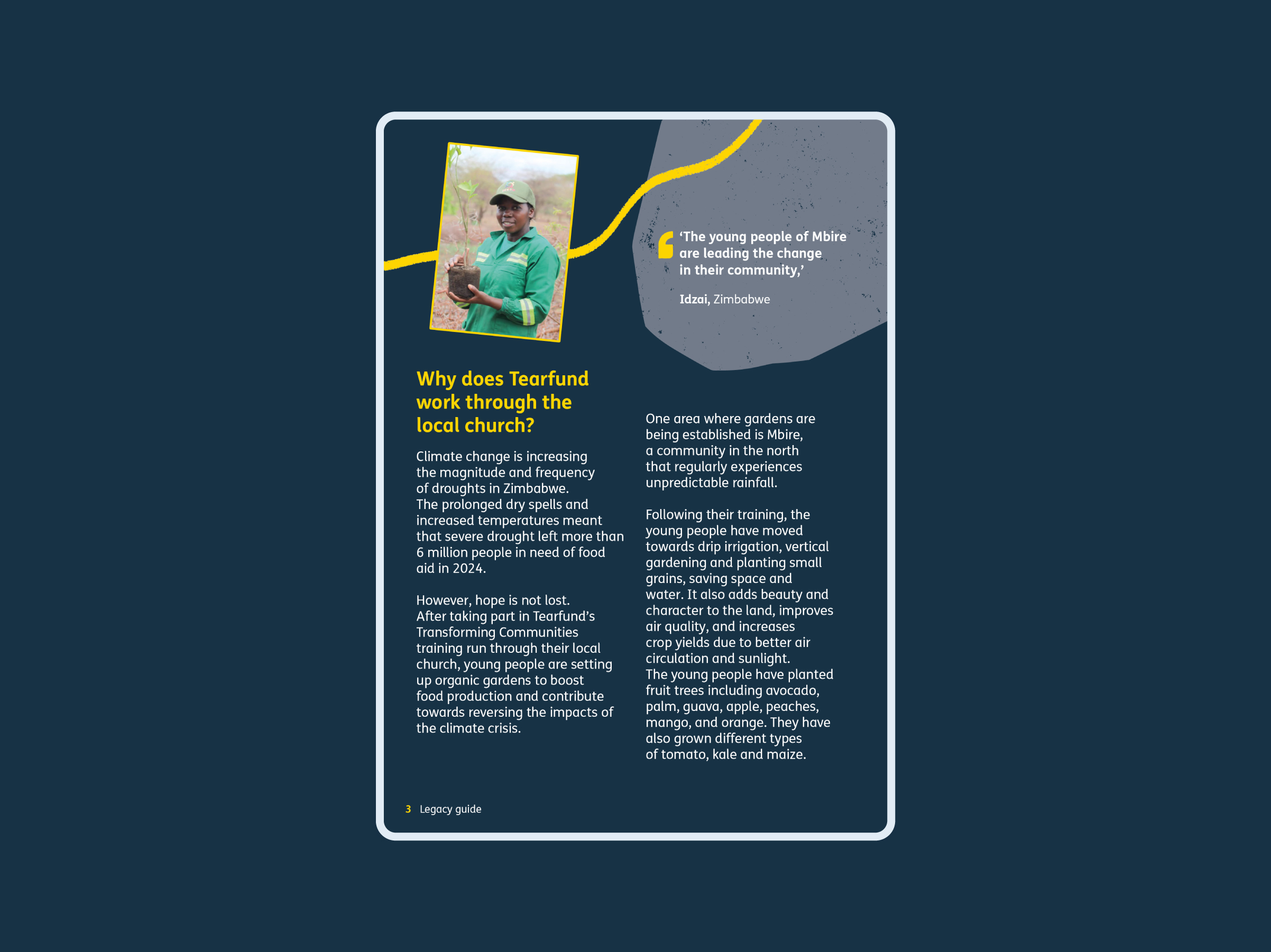
Shapes as background elements
Our shapes can also be used as background elements to draw attention to an image that sits on top, or to a quote.
Shapes as background elements
Our shapes can also be used as background elements to draw attention to an image that sits on top, or to a quote.
Shape misuse
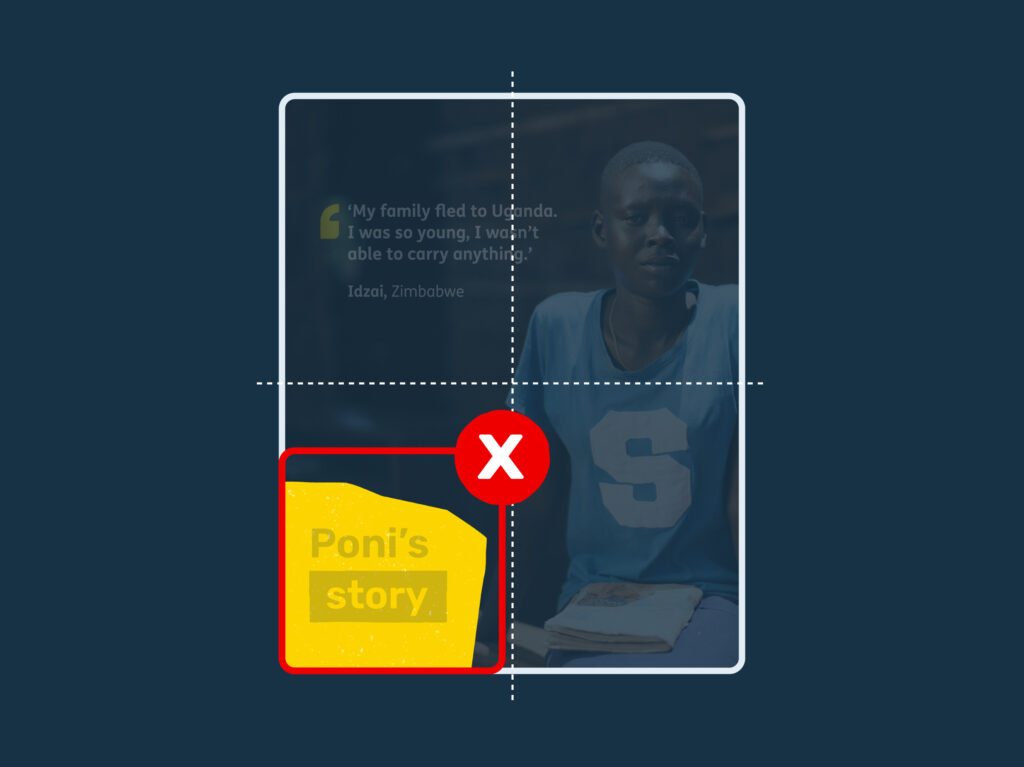
The shape is too small, not filling roughly a quarter of the asset
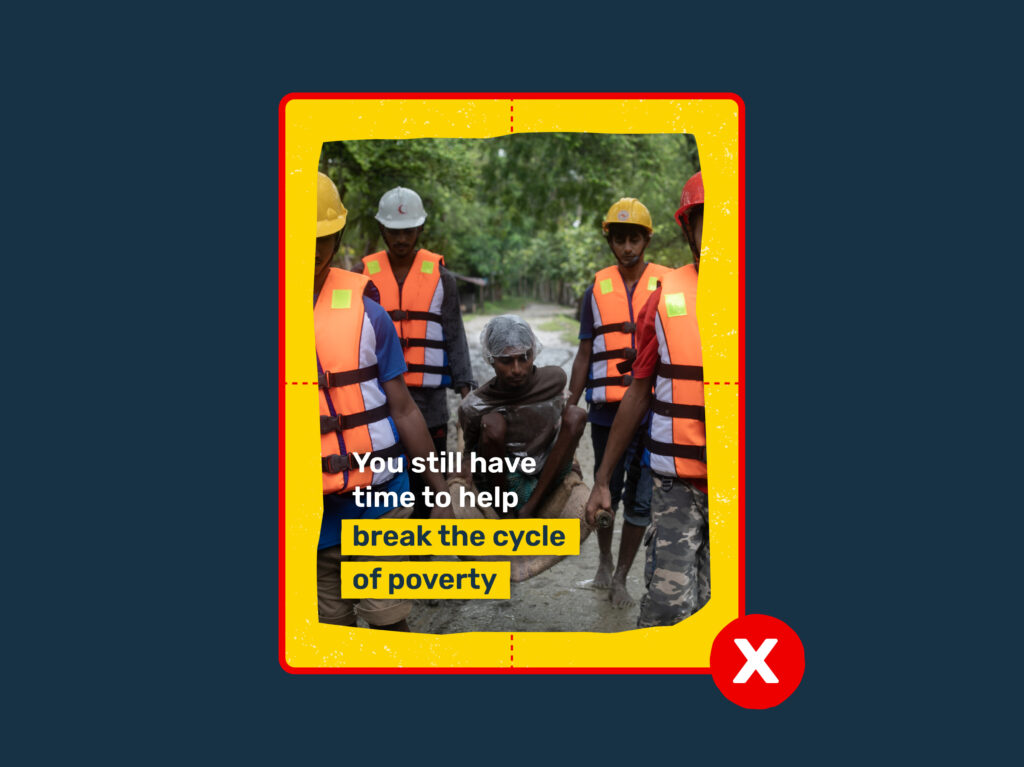
The shape is being used as a frame, which can move into a more childlike visual space

We can see the full shape rather than the edges going off the page

The shape doesn’t have any texture added. The shapes are supplied with texture included so the right amount can be added.
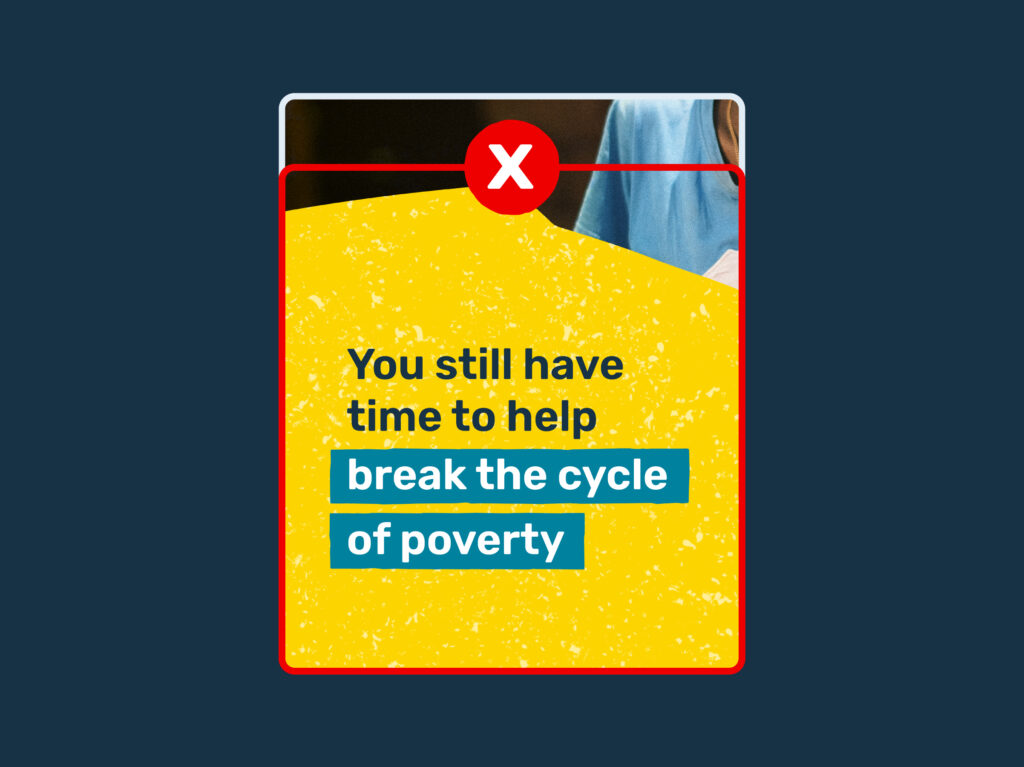
The shape’s texture is overpowering. The shapes are supplied with texture included so the right amount can be added.
Download our graphical elements for use on print and digital projects
Text blocks
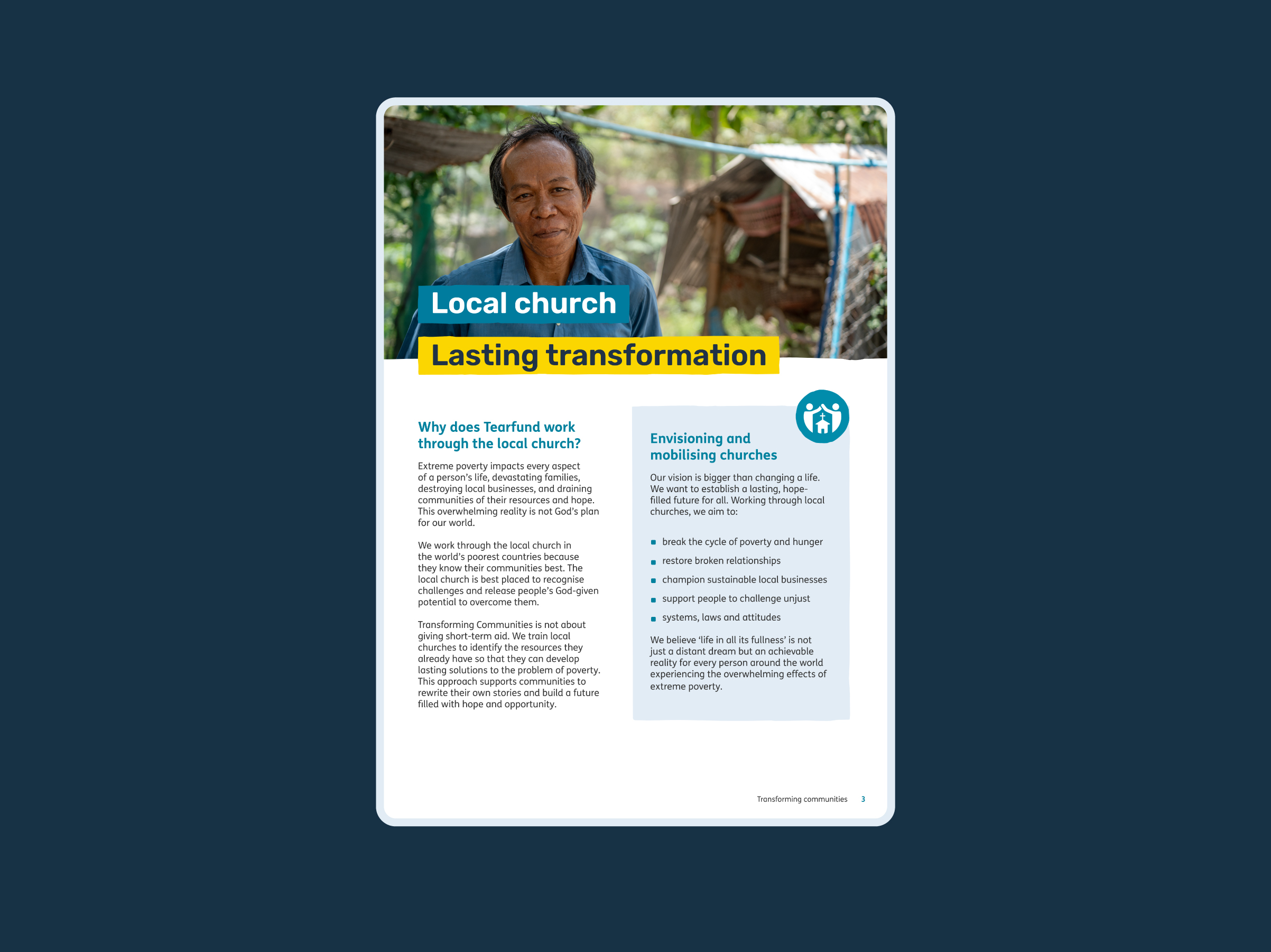
We use text blocks to highlight certain words and phrases. The text block colour should always contrast with the background and the text colour used.
We have single-line text blocks, double-line text blocks and larger boxes for quotes or larger sections of text.


Single line text blocks
Using text boxes on the front of your assets is a great way to draw attention to your main headline, which really boosts impact and engagement.
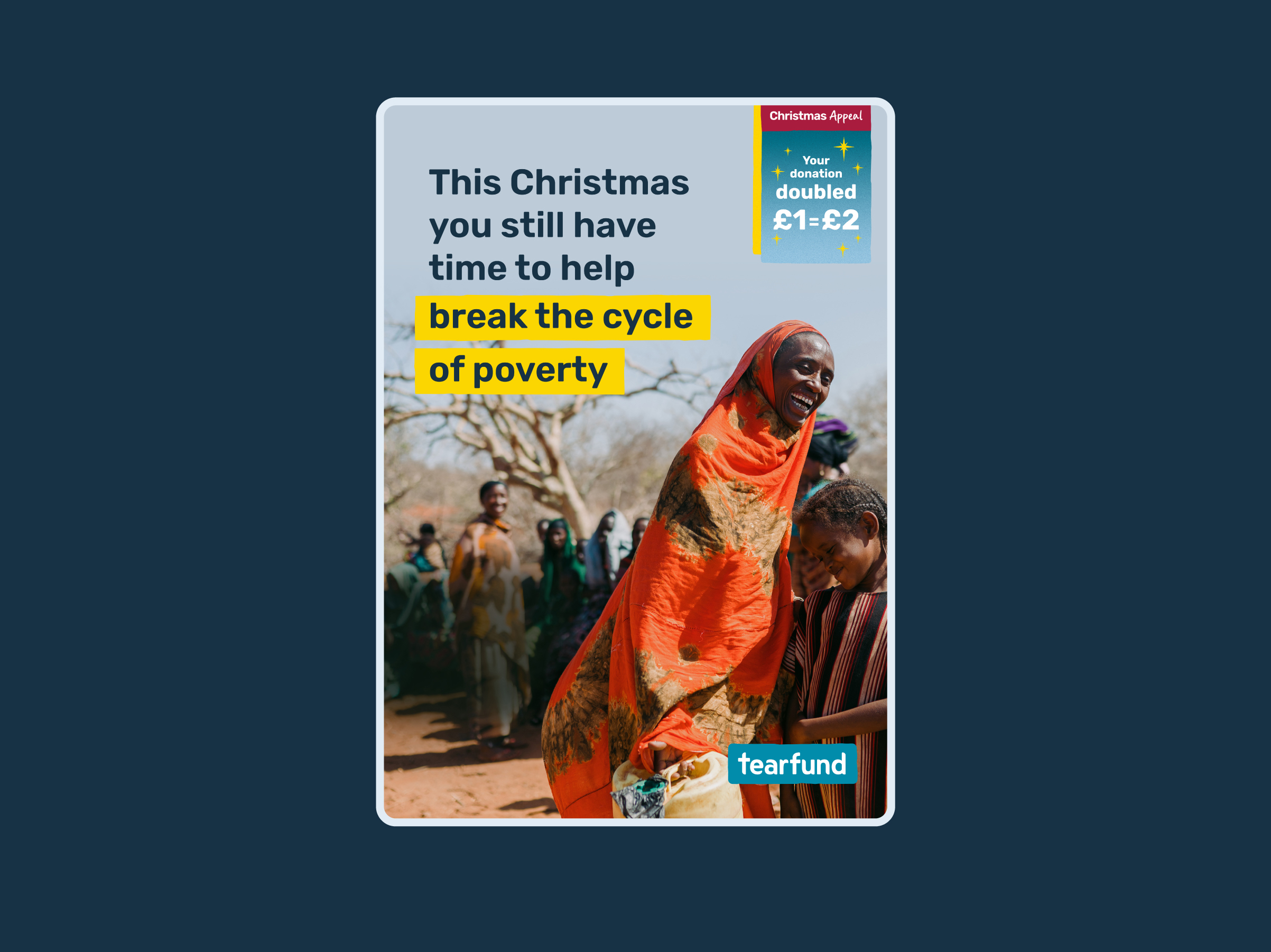
Single line text blocks
Using text boxes on the front of your assets is a great way to draw attention to your main headline, which really boosts impact and engagement.
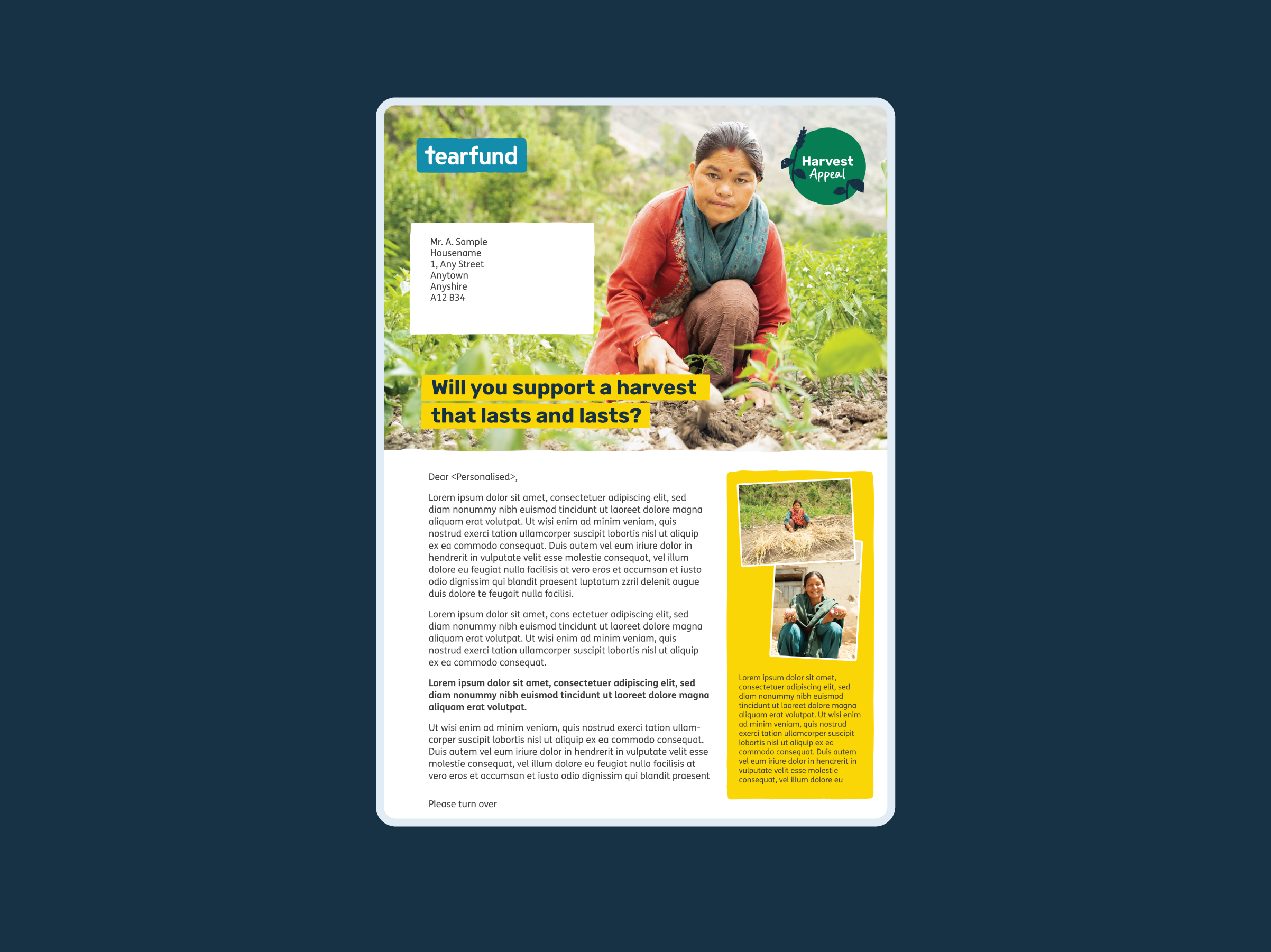
Single line text blocks
Using text boxes on the front of your assets is a great way to draw attention to your main headline, which really boosts impact and engagement.

Single line text blocks
Using text boxes on the front of your assets is a great way to draw attention to your main headline, which really boosts impact and engagement.

Single line text blocks
Using text boxes on the front of your assets is a great way to draw attention to your main headline, which really boosts impact and engagement.
Single line text blocks
Using text boxes on the front of your assets is a great way to draw attention to your main headline, which really boosts impact and engagement.
Text block spacing
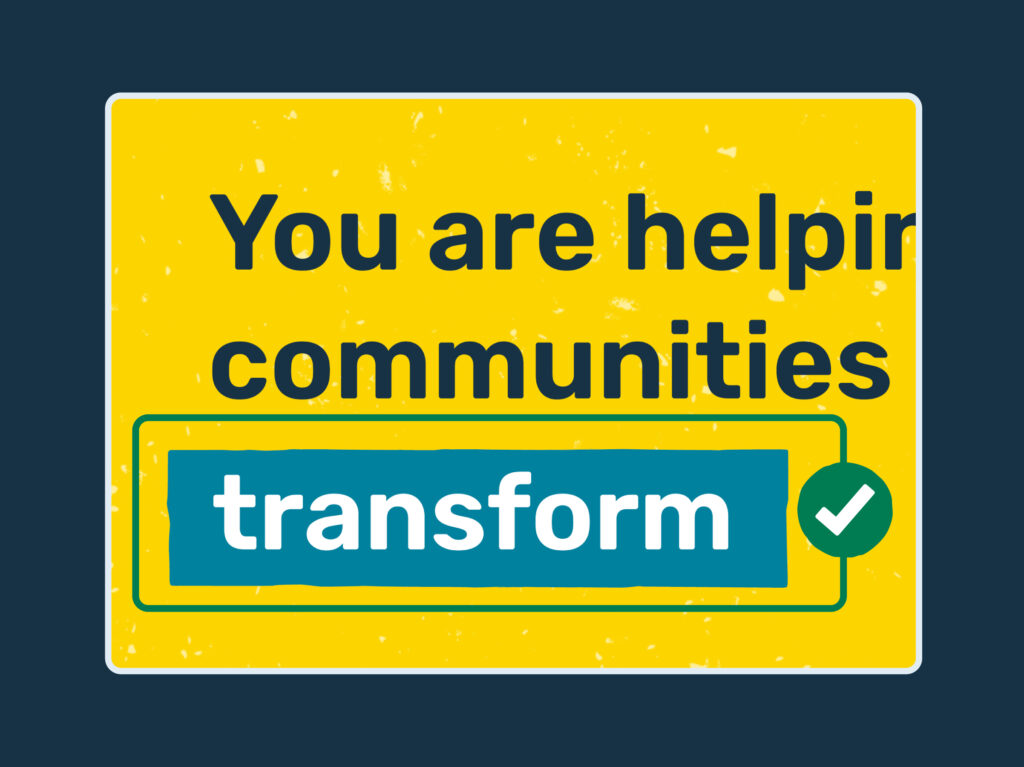
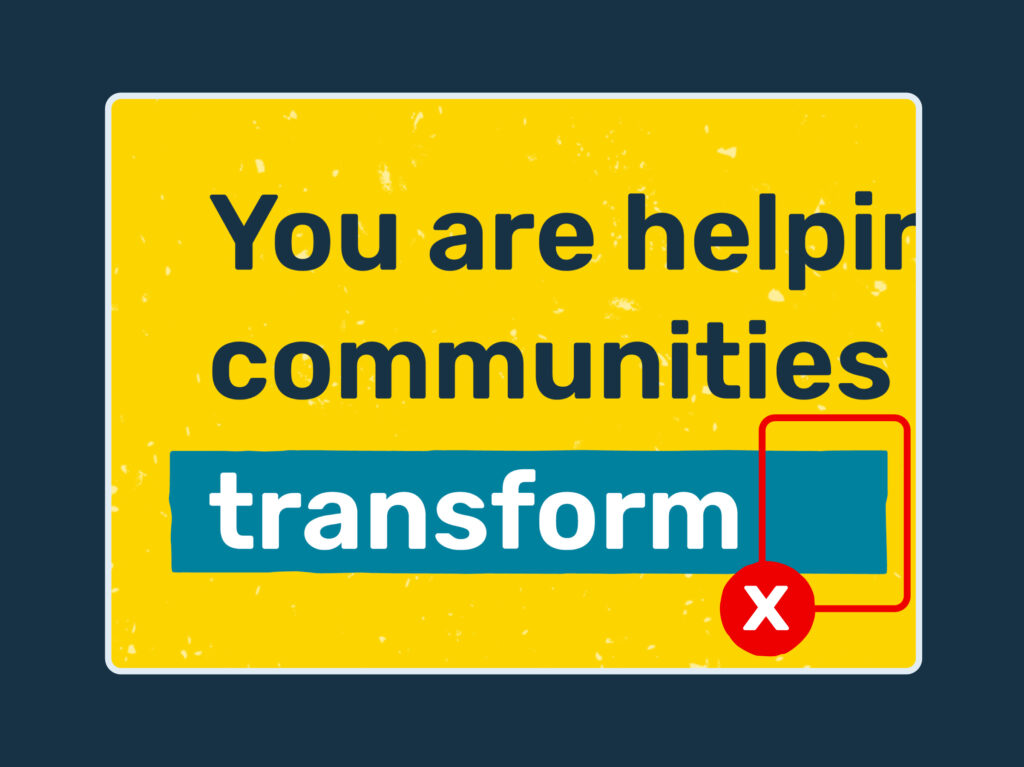
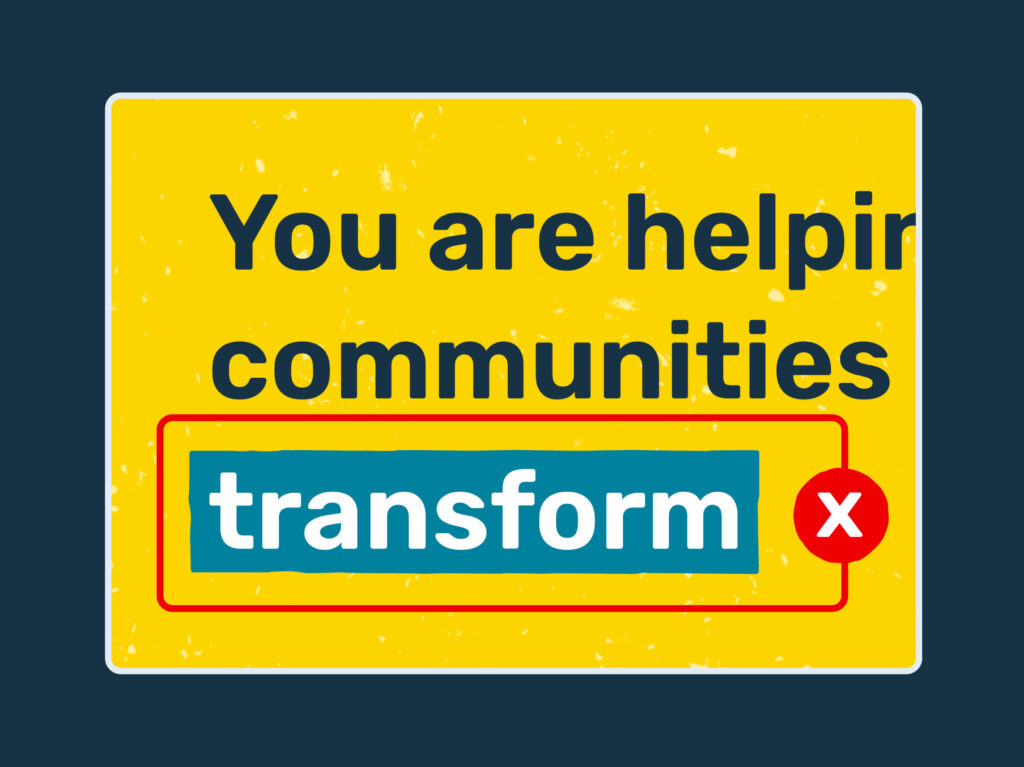
Leave about one letter space of clear room between the text and the edge of the box on both sides.

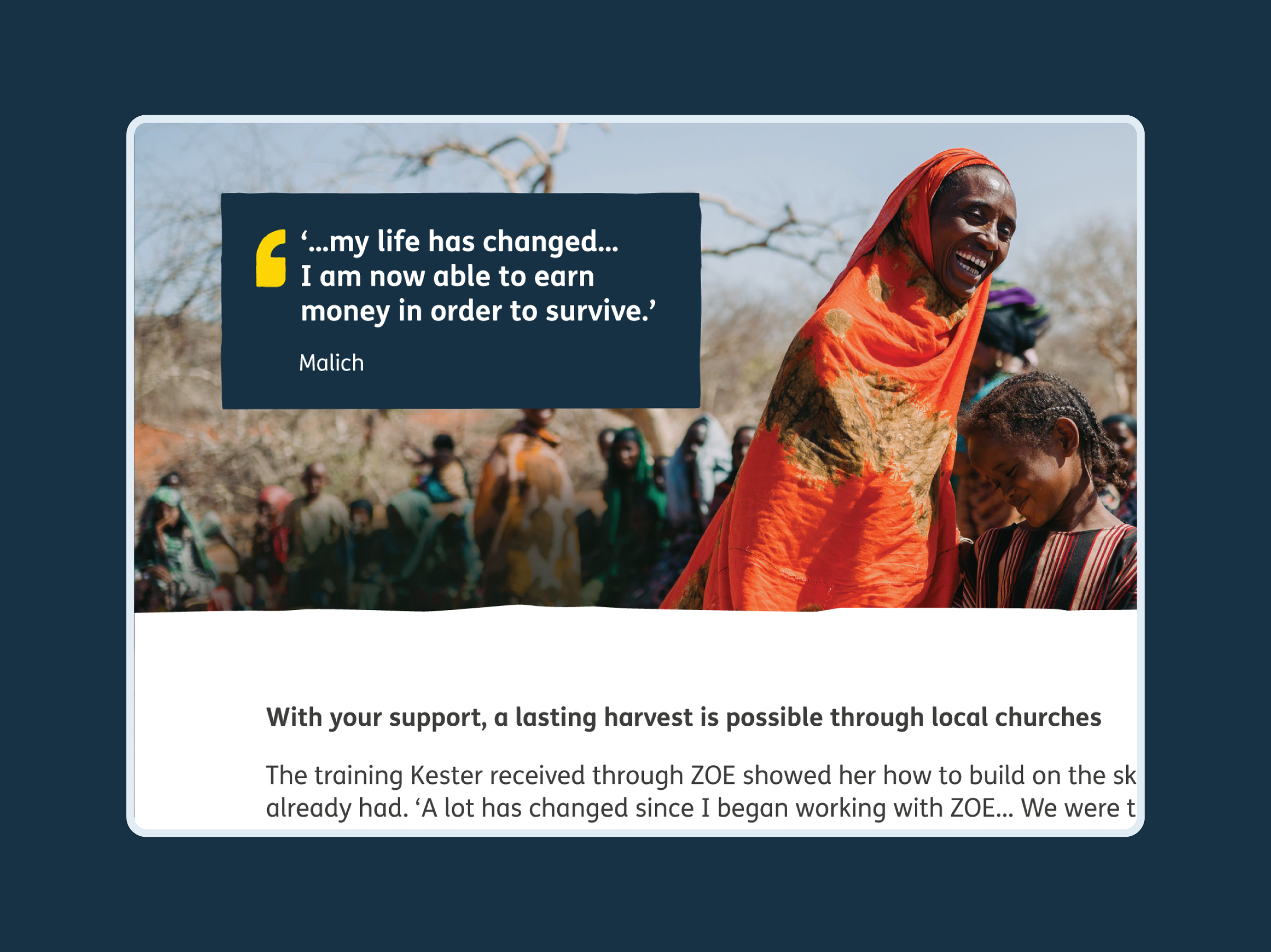
Larger text blocks
Larger text blocks can highlight a number of lines of text. These might be from quotes or giving handles.
Larger blocks can add to the layout design, helping copy stand out against a page of text, or on top of photography.
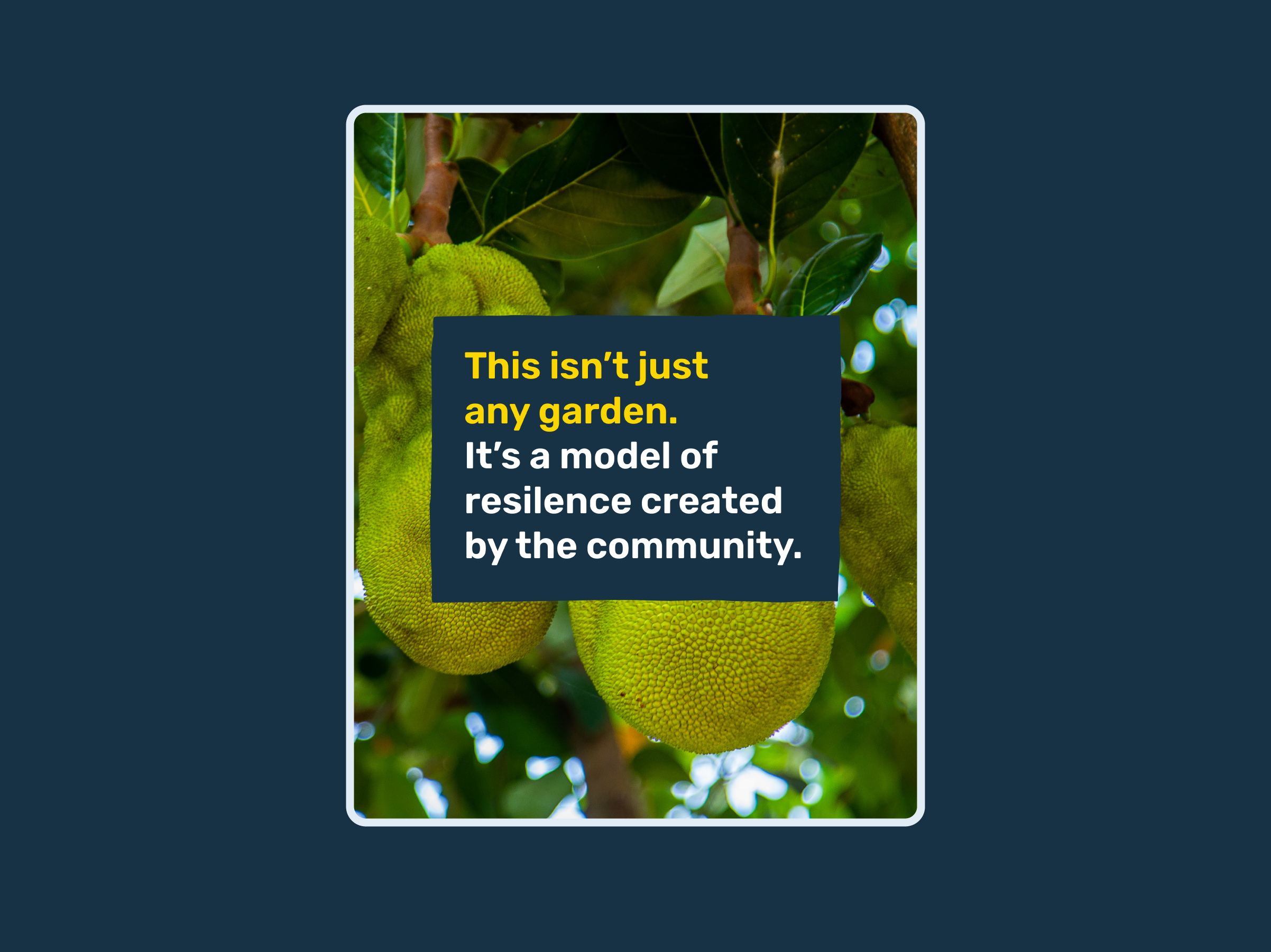
Larger text blocks
Larger text blocks can highlight a number of lines of text. These might be from quotes or giving handles.
Larger blocks can add to the layout design, helping copy stand out against a page of text, or on top of photography.
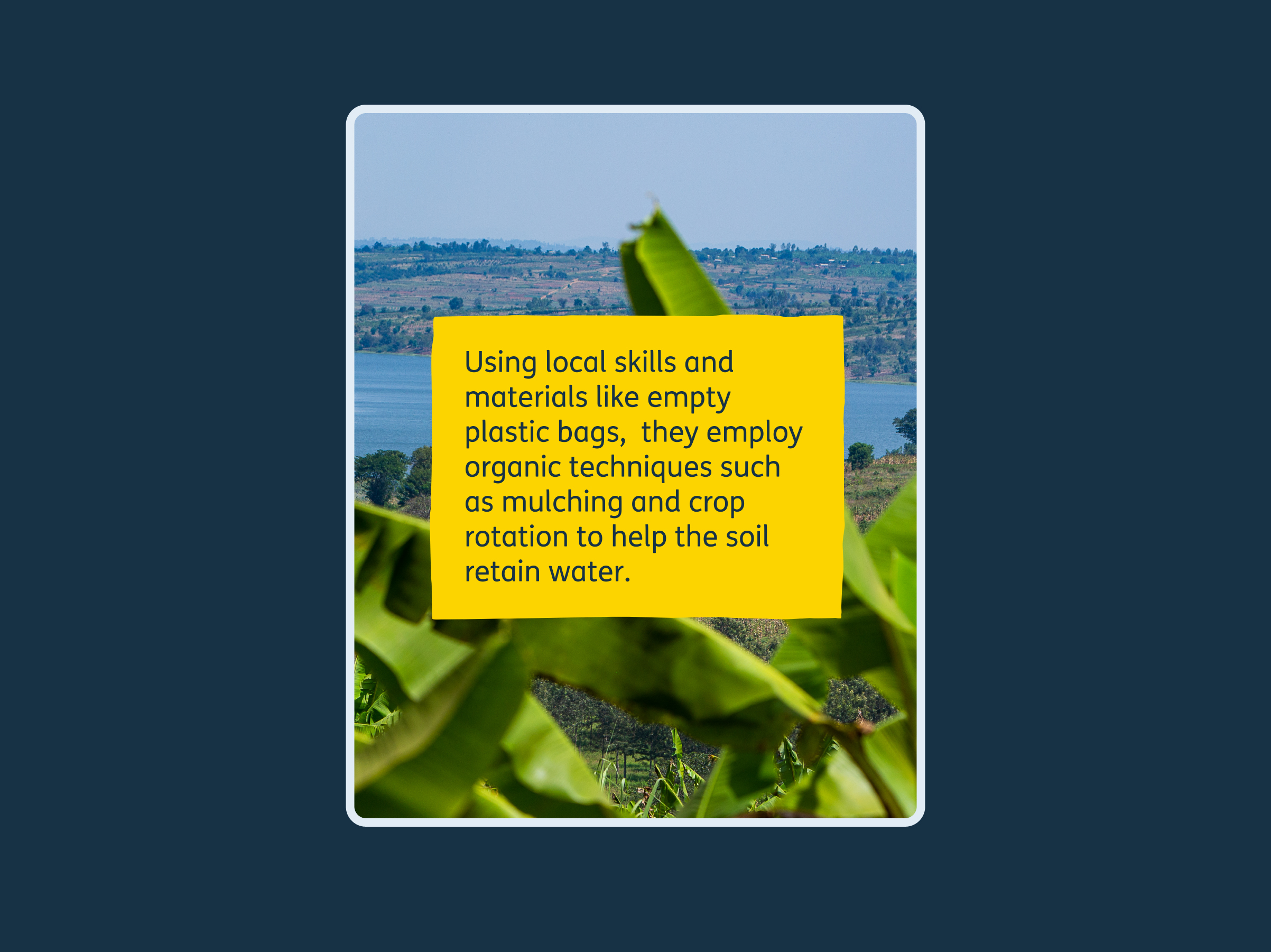
Larger text blocks
Larger text blocks can highlight a number of lines of text. These might be from quotes or giving handles.
Larger blocks can add to the layout design, helping copy stand out against a page of text, or on top of photography.
Text block misuse



Download our graphical elements for use on print and digital projects
Journey line
The line is a visual mark of faith in action. It is imperfect yet purposeful – it reflects real journeys of transformation.
It creates a sense of movement and momentum in our visuals.
The line serves the dual purpose of connecting and giving shape to content. It acts as a visual thread, linking elements such as titles, pictures, and important content sections.

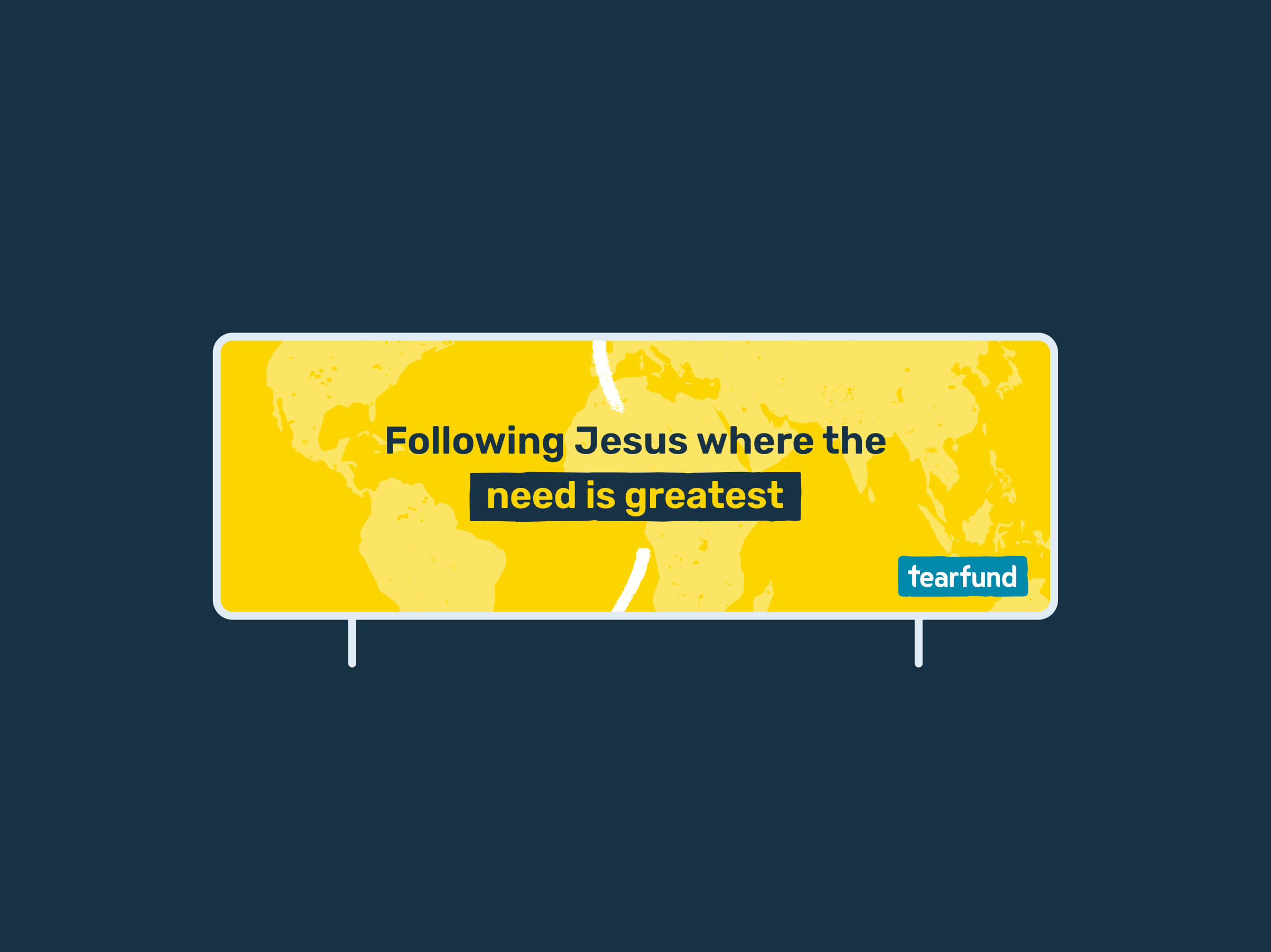
The line in use
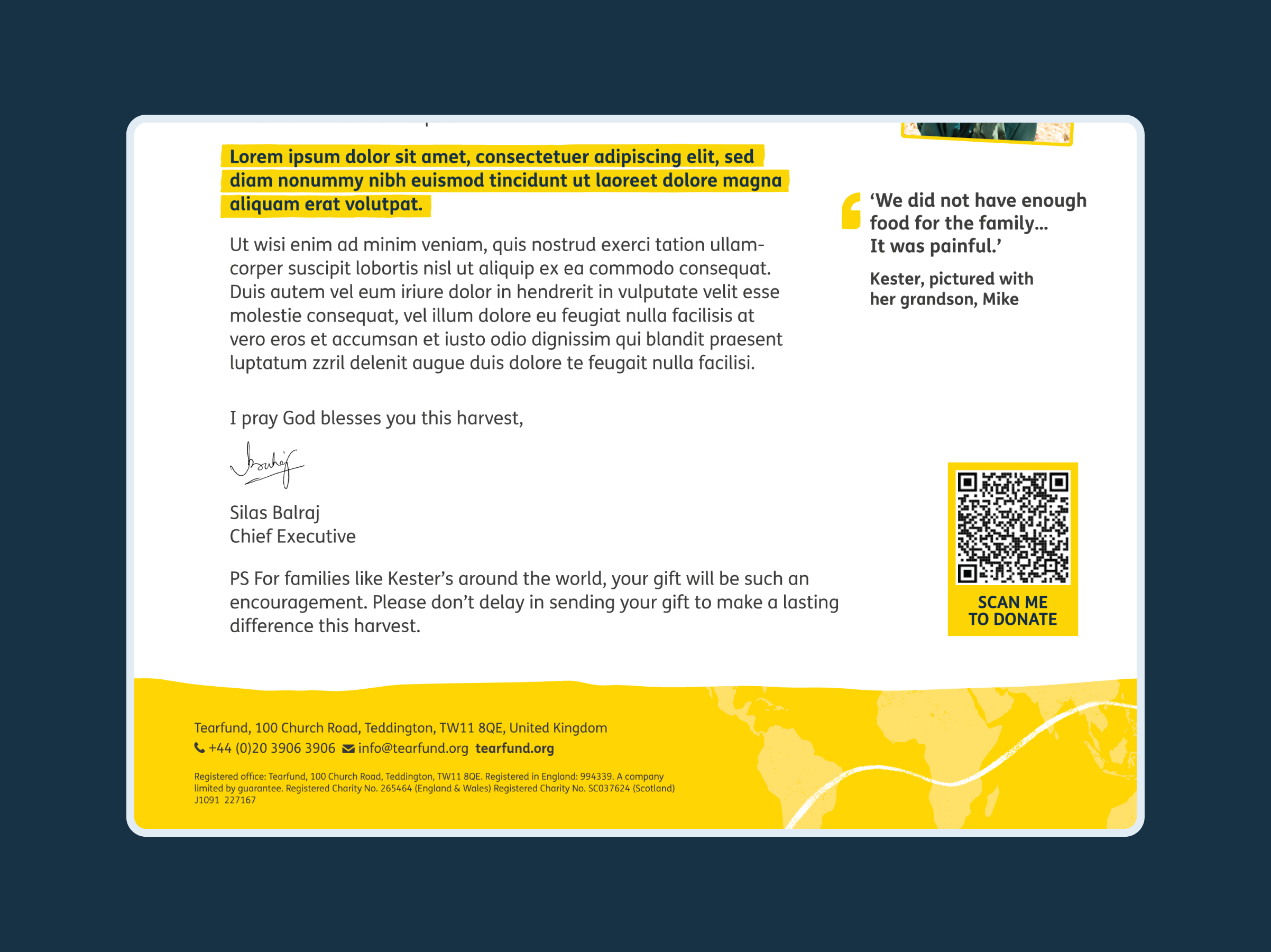
The line combines smooth curves and more angular corners, in a similar way to our shapes. We draw the line using the Tearfund brush. The brush’s jitter depth is set to 50%.
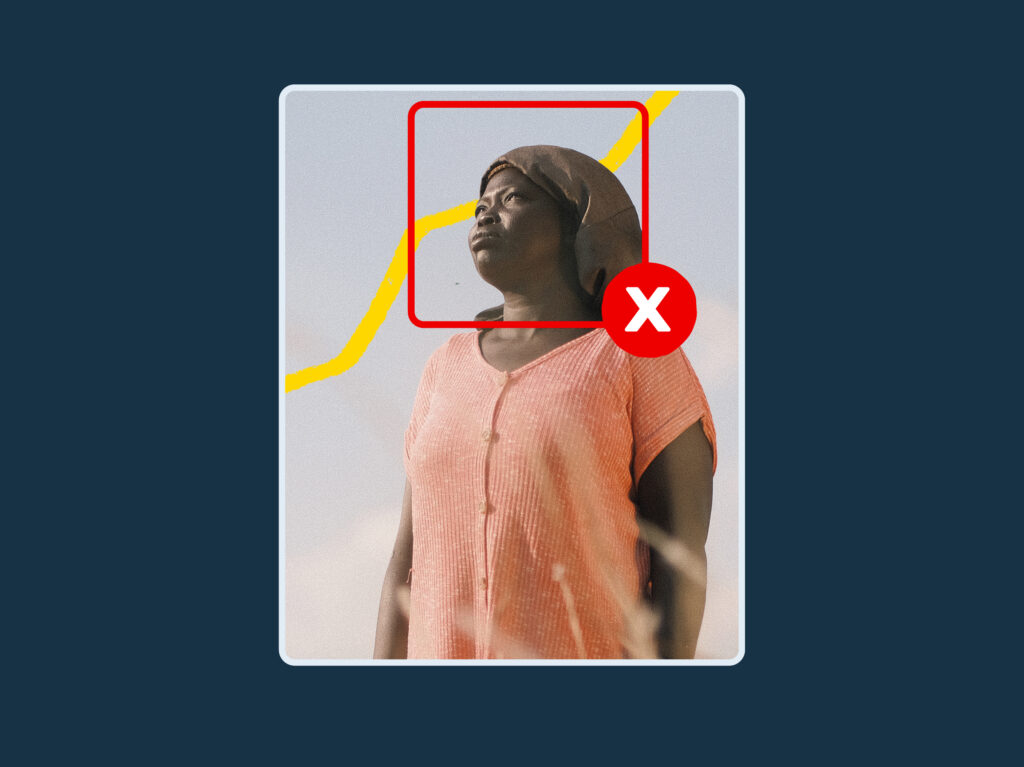
Ensure the line is clearly placed and doesn’t cut across or appear to block anyone’s head.

The line in use
The line combines smooth curves and more angular corners, in a similar way to our shapes. We draw the line using the Tearfund brush. The brush’s jitter depth is set to 50%.
Ensure the line is clearly placed and doesn’t cut across or appear to block anyone’s head.
The line in use
The line combines smooth curves and more angular corners, in a similar way to our shapes. We draw the line using the Tearfund brush. The brush’s jitter depth is set to 50%.
Ensure the line is clearly placed and doesn’t cut across or appear to block anyone’s head.
Connecting the narrative
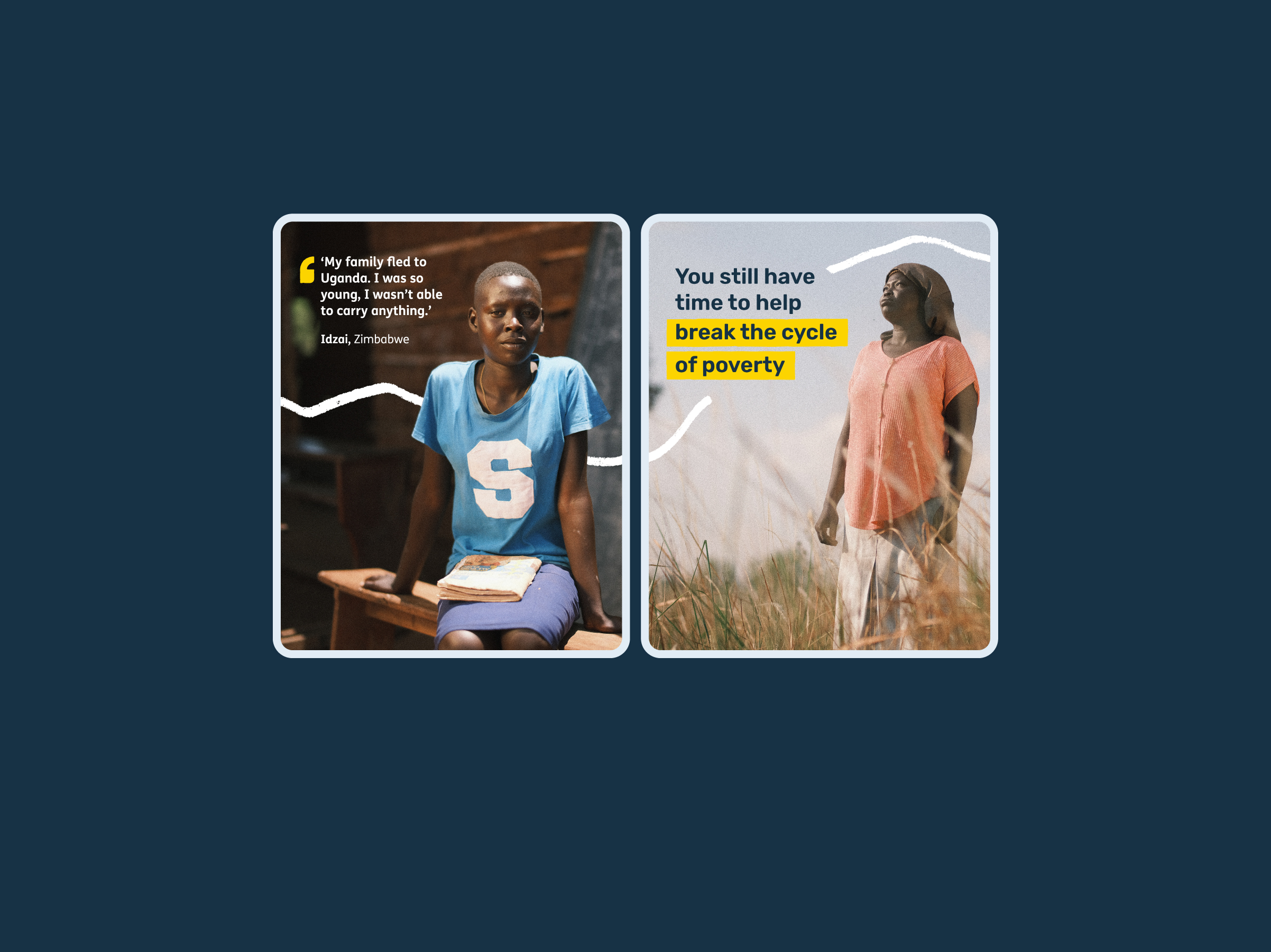
Our journey line serves as a visual connector, guiding the audience through a sequence or story.
It’s effective in digital spaces, such as social media, to prompt users to swipe or move to the next item, and in editorial content to link images that collectively tell a story.
This element should be used subtly to complement, rather than dominate photography or headlines.
Connecting the narrative
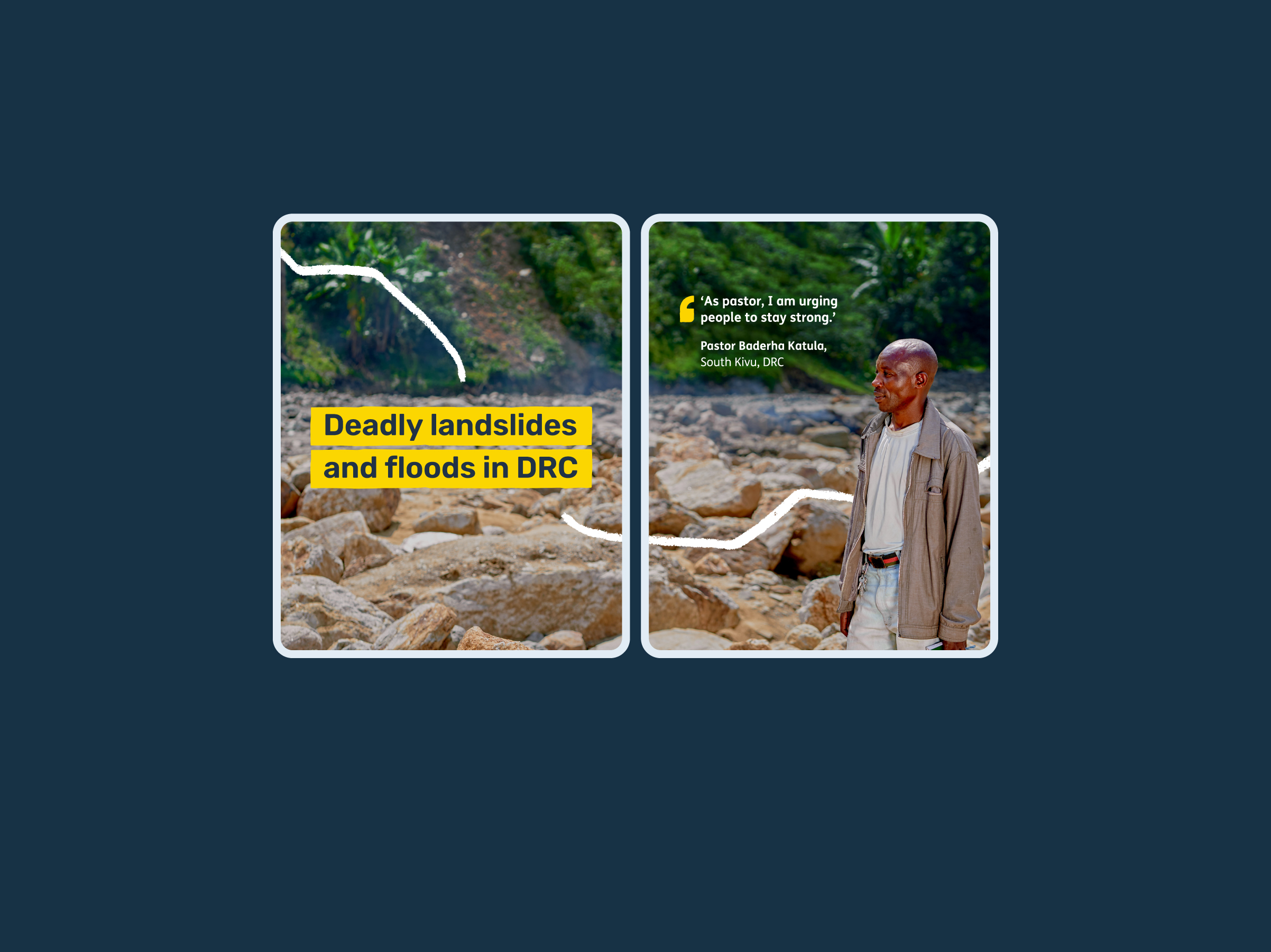
Our journey line serves as a visual connector, guiding the audience through a sequence or story.
It’s effective in digital spaces, such as social media, to prompt users to swipe or move to the next item, and in editorial content to link images that collectively tell a story.
This element should be used subtly to complement, rather than dominate photography or headlines.
Connecting the narrative
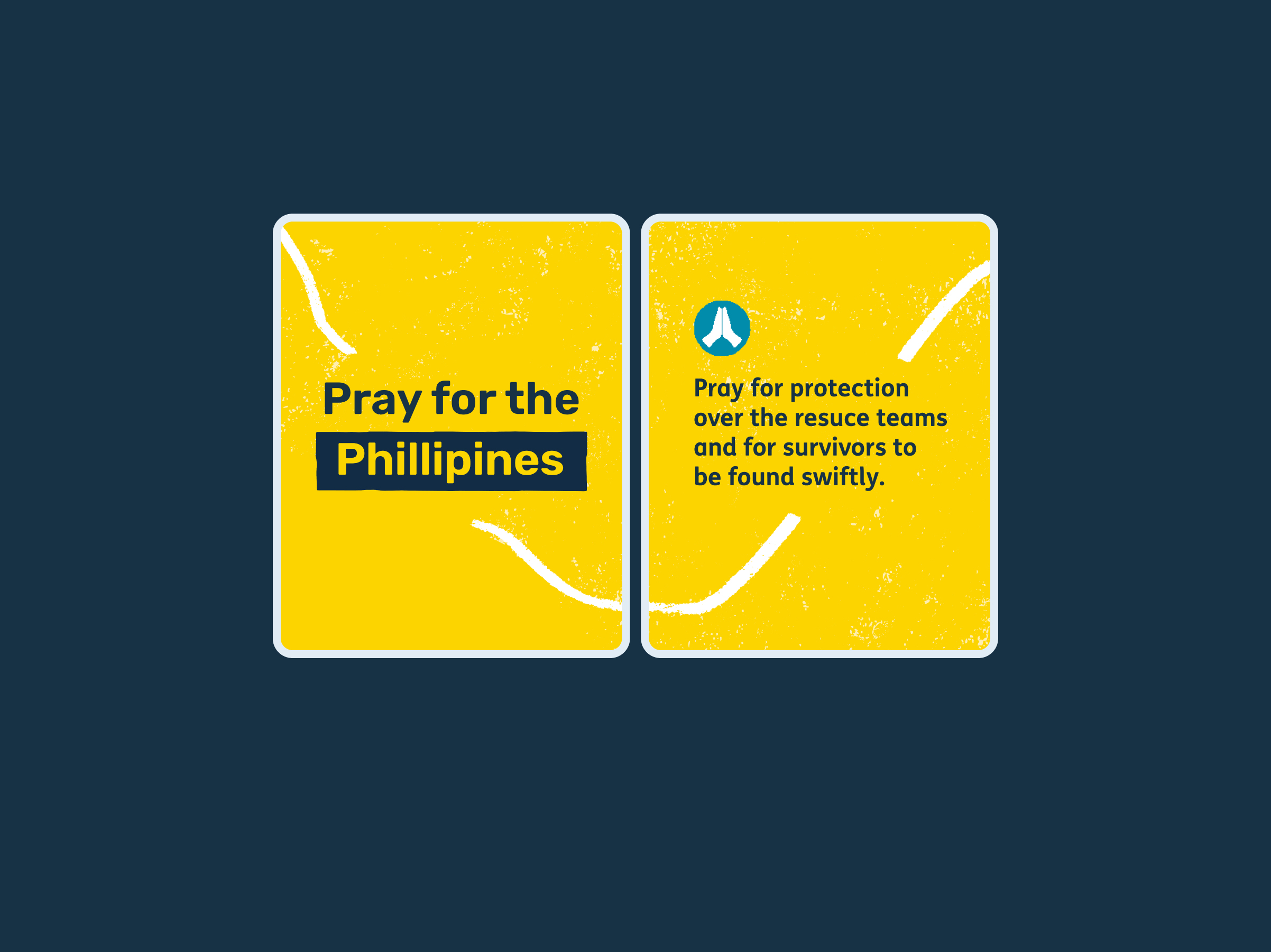
Our journey line serves as a visual connector, guiding the audience through a sequence or story.
It’s effective in digital spaces, such as social media, to prompt users to swipe or move to the next item, and in editorial content to link images that collectively tell a story.
This element should be used subtly to complement, rather than dominate photography or headlines.
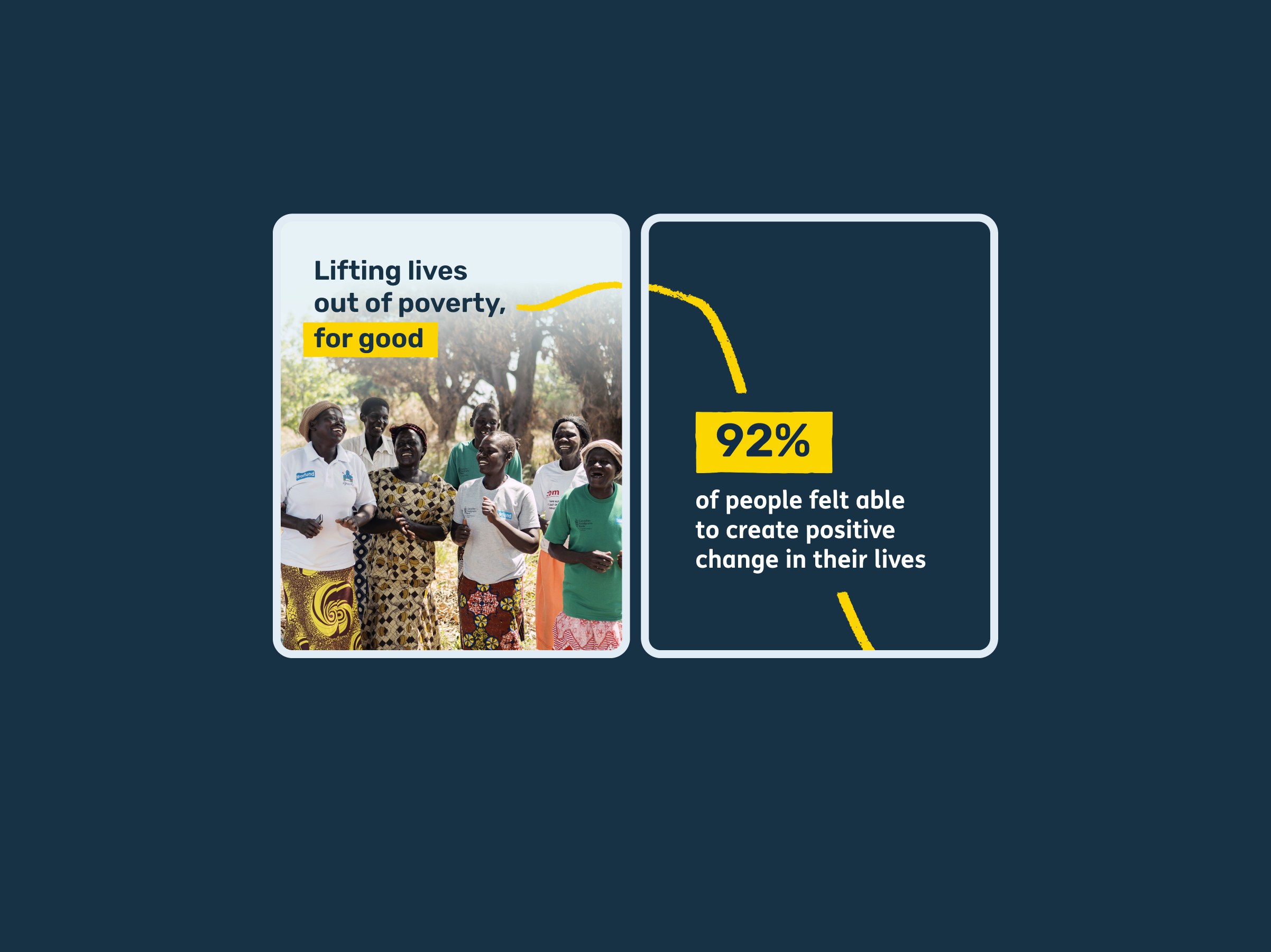
Connecting the narrative
Our journey line serves as a visual connector, guiding the audience through a sequence or story.
It’s effective in digital spaces, such as social media, to prompt users to swipe or move to the next item, and in editorial content to link images that collectively tell a story.
This element should be used subtly to complement, rather than dominate photography or headlines.
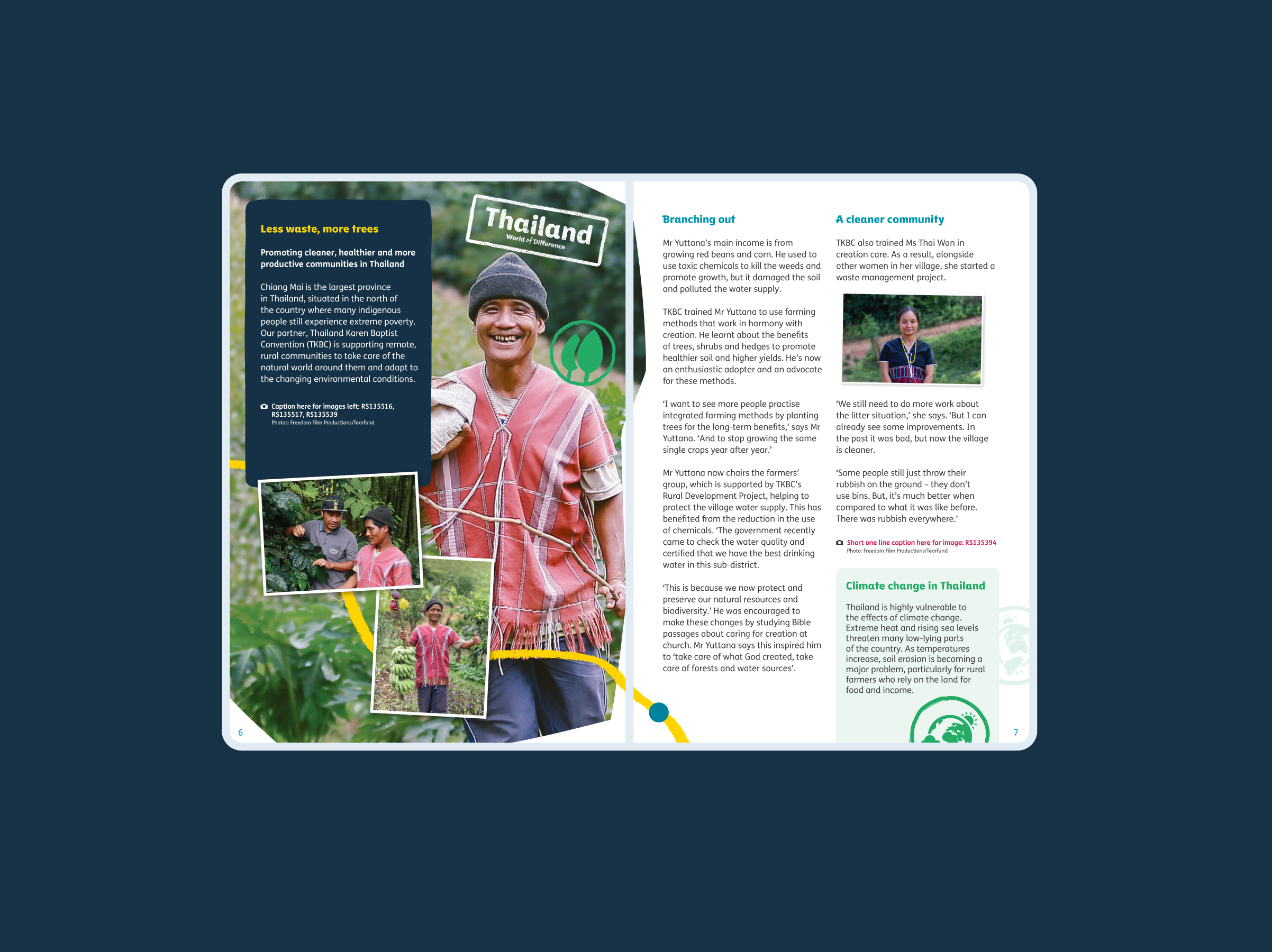
Connecting the narrative
Our journey line serves as a visual connector, guiding the audience through a sequence or story.
It’s effective in digital spaces, such as social media, to prompt users to swipe or move to the next item, and in editorial content to link images that collectively tell a story.
This element should be used subtly to complement, rather than dominate photography or headlines.
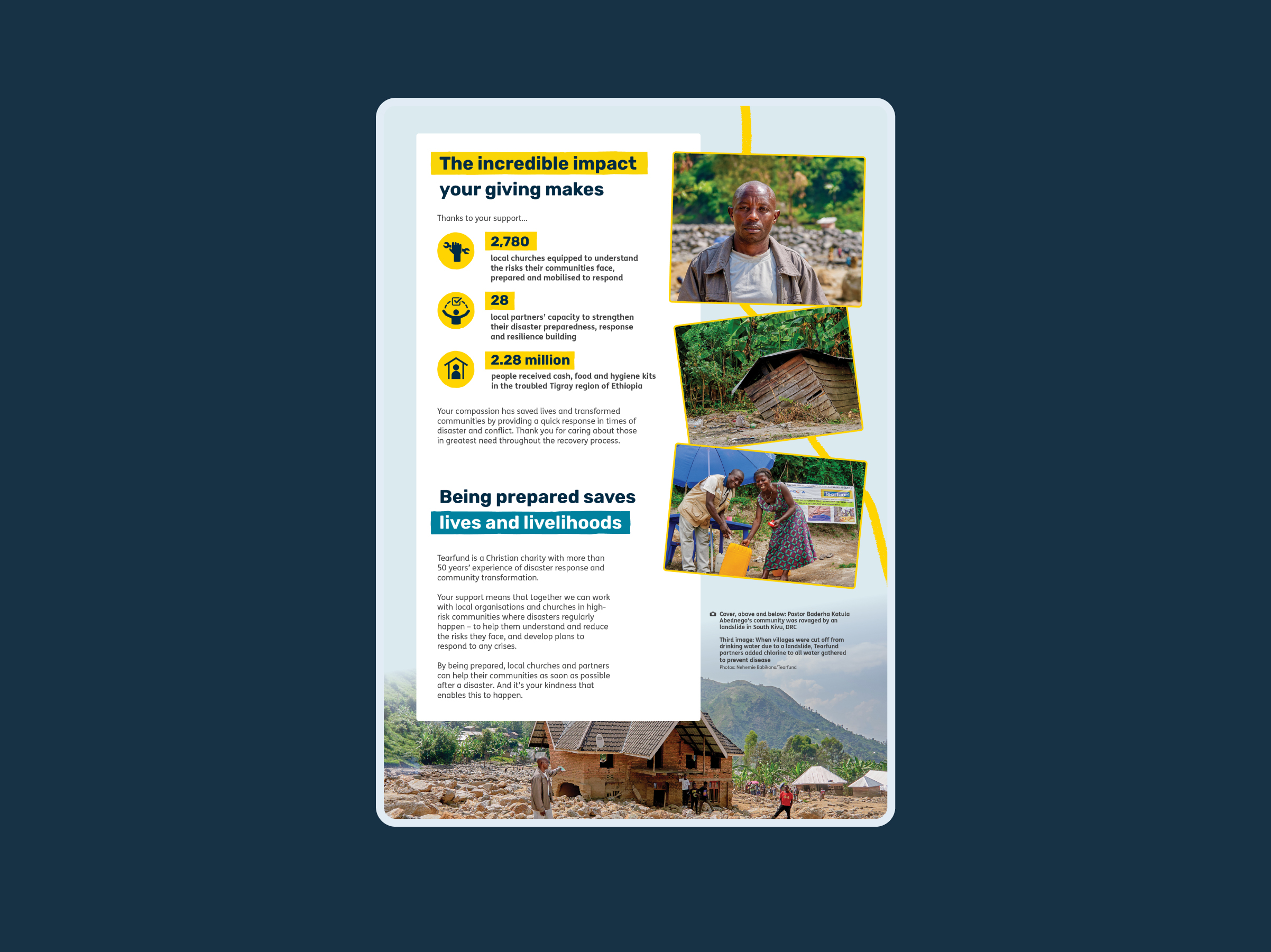
Connecting the narrative
Our journey line serves as a visual connector, guiding the audience through a sequence or story.
It’s effective in digital spaces, such as social media, to prompt users to swipe or move to the next item, and in editorial content to link images that collectively tell a story.
This element should be used subtly to complement, rather than dominate photography or headlines.
Journey line misuse


Download our graphical elements for use on print and digital projects
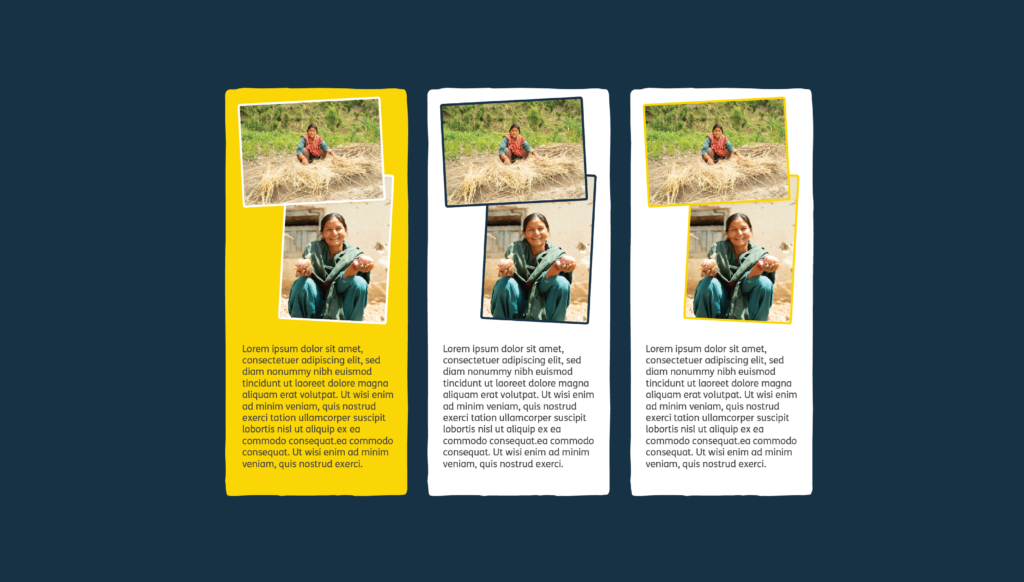
Image frames
To help our images stand out, we can frame them subtly in yellow, white, or navy. These frames can be an alternative visual treatment for lower-quality, snapshot-style images.
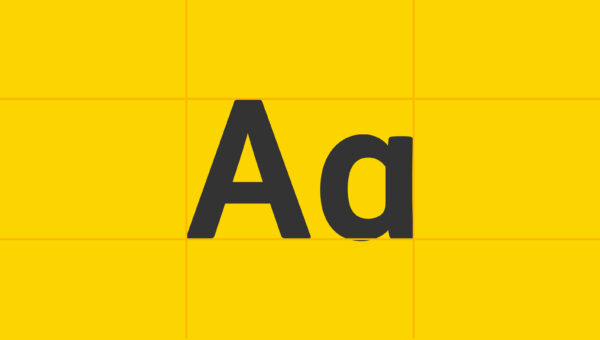
Rounded corners echo the curves of our headline type, creating a cohesive visual style.
The frames are set at 2pt wide and have a corner radius of 0.5mm